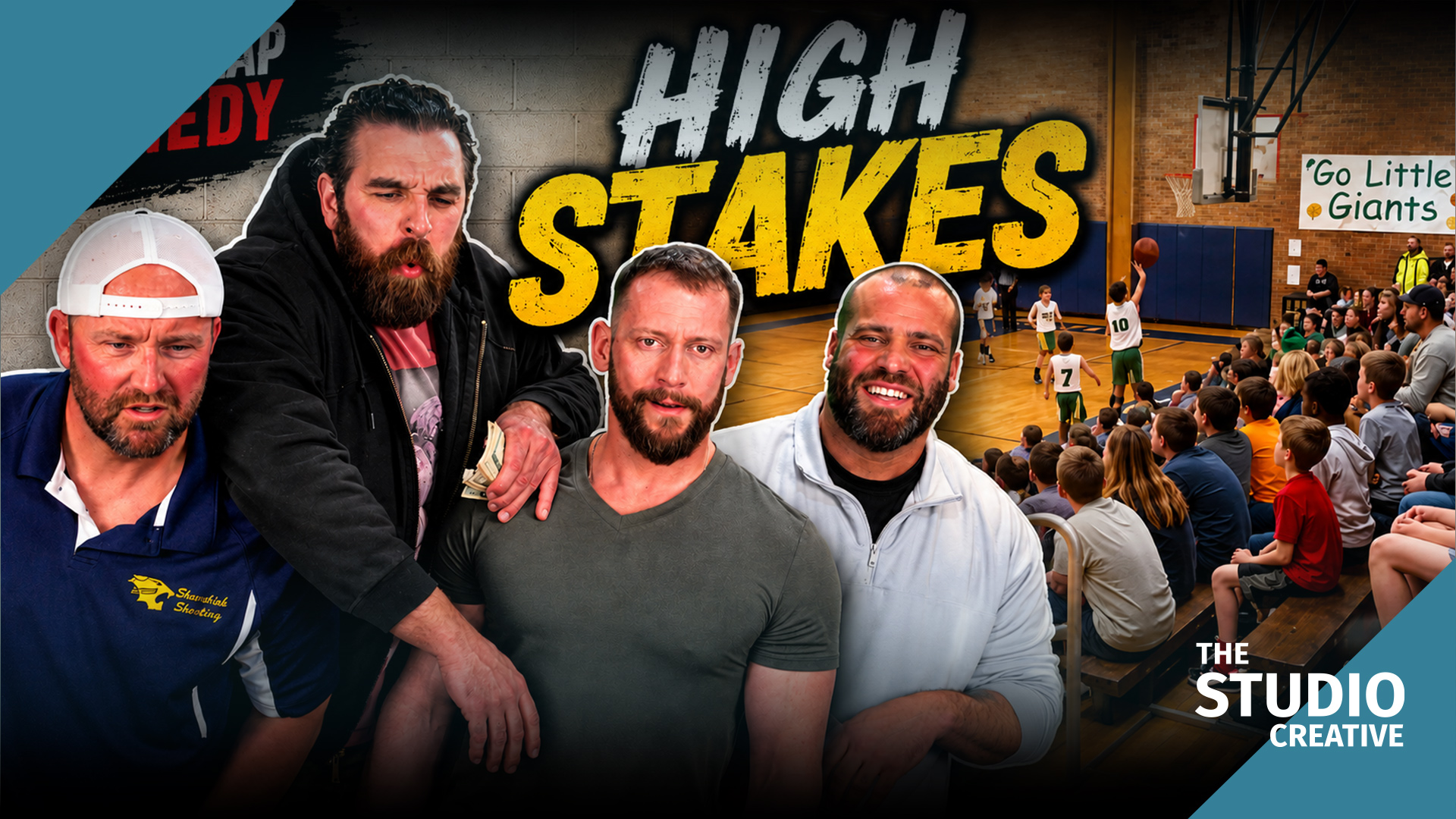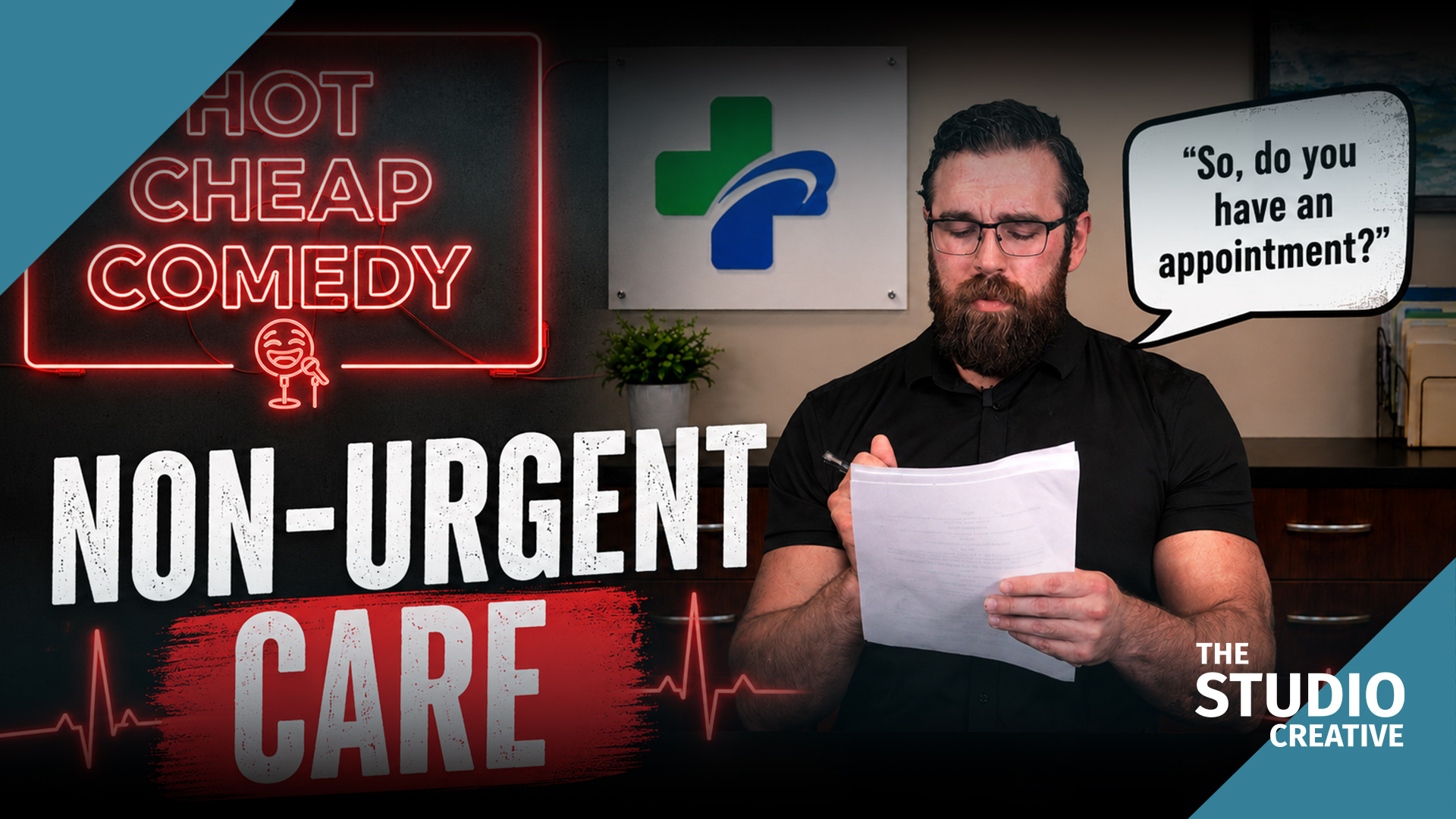

Confident Cards is the episode we featured in our earlier piece on virtual studios and sketch comedy, and it earned that spot. It was performed in front of a live studio audience, shot multi-camera like a broadcast taping, and then finished with green screen and virtual set extensions in the same production. Most productions pick one of those approaches. This post is about doing both without the crew doubling in size.
At a glance
- A live studio audience. The ensemble rode real laughs, so the edit inherits real pacing instead of guessing at it.
- Three cameras. One wide for geography and two singles, shot like a broadcast taping.
- Practical stage, virtual walls. A real table, real cards and real chairs, with green behind the playing area filled in post.
- Every laugh is real. AI transcribed, synced and cleaned the tracks. It did not generate, sweeten or move the laughter.
You can watch Confident Cards on its own page as well.
Why perform for a live audience at all
Comedy timing is a conversation with a room. When the ensemble performs to silence, the pauses drift. With a hundred people laughing, the performers ride the laugh and the edit inherits real pacing instead of guessing at it. The cost is that a live audience is unforgiving of setup time. You get one take per beat, maybe two. Everything about the production design followed from that constraint.
Filming: practical stage, virtual walls
The playing area was practical. Real table, real cards, real chairs, lit for the audience as much as for the cameras. Behind the playing area, and out of the audience's sightline, was green. The audience saw a stage. The cameras saw a stage with a hole in the back of it that we filled in post.
- Cameras: three, locked positions, one wide for geography and two singles that could rack between performers. The singles were framed so the green edge sat in a predictable place in every shot.
- Audio: lavs on every performer, a stereo pair on the audience, and a boom for safety. The audience track is what makes the finished episode feel like a taping, so it was mixed as a real element rather than a bed.
- Lighting: the compromise. A stage needs a warm, contrasty look; a green screen wants flat and even. We lit the screen independently with its own sources and flagged the stage light off it, so the two systems never fought.
Two frames, before and after
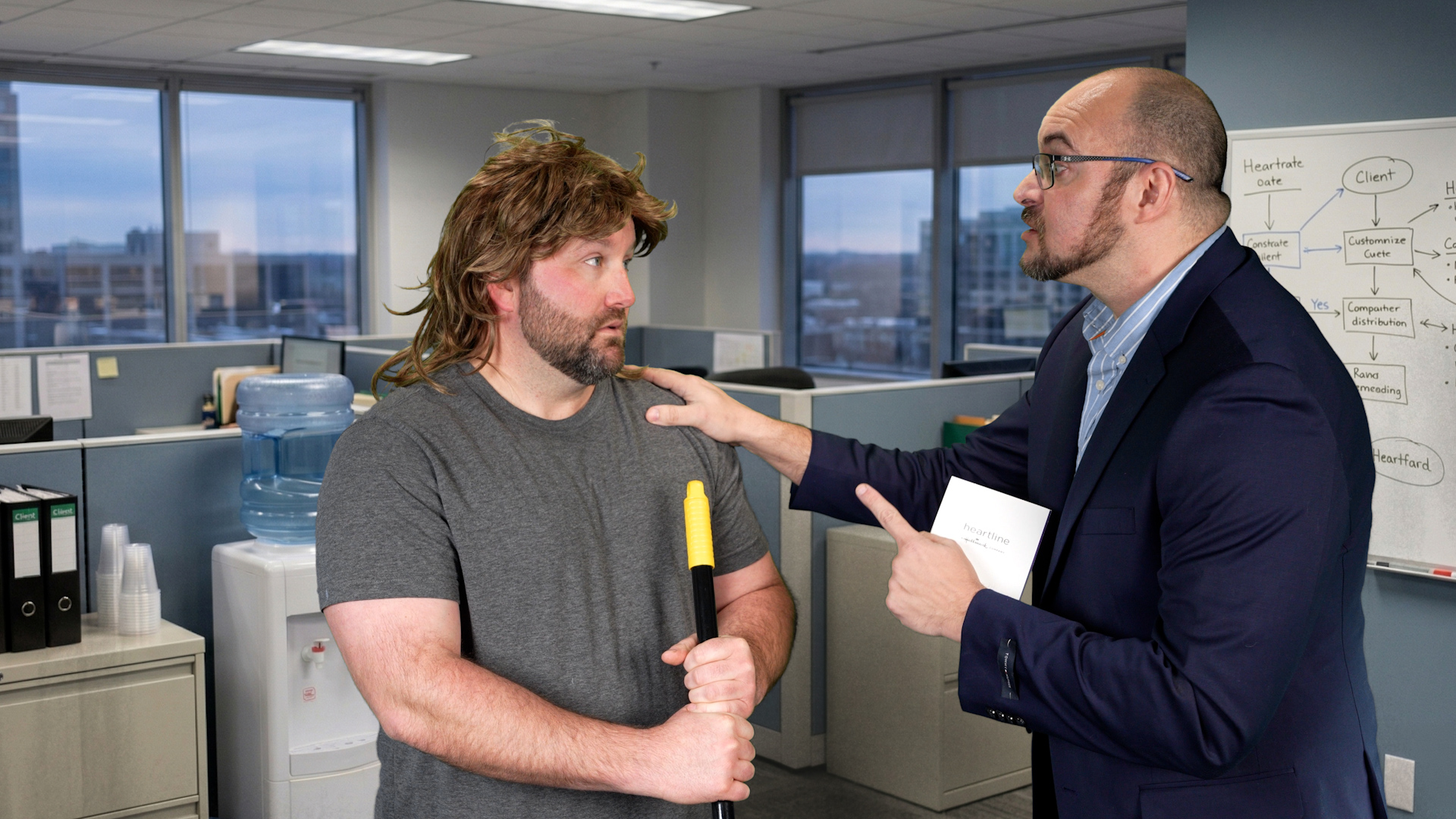
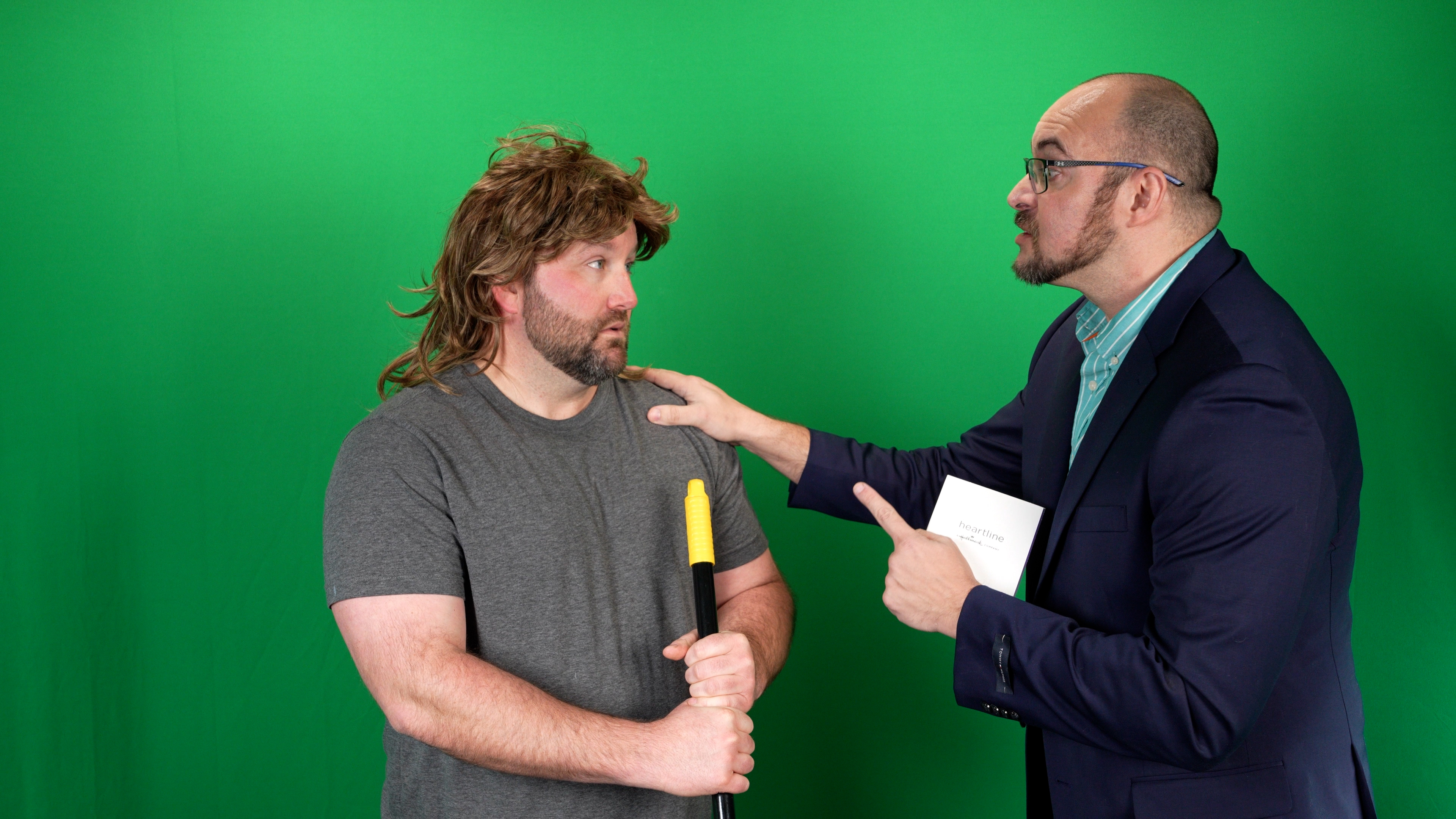
Drag the handles. On the left is what the camera saw on the stage; on the right is what the audience saw in the episode. The performers, the props, and the light on them are identical in both, which is the whole point: the environment is the only thing that changes.
 Before: green screenAfter: the office
The office is a Studio Projects background generated from the script. The broom is real.
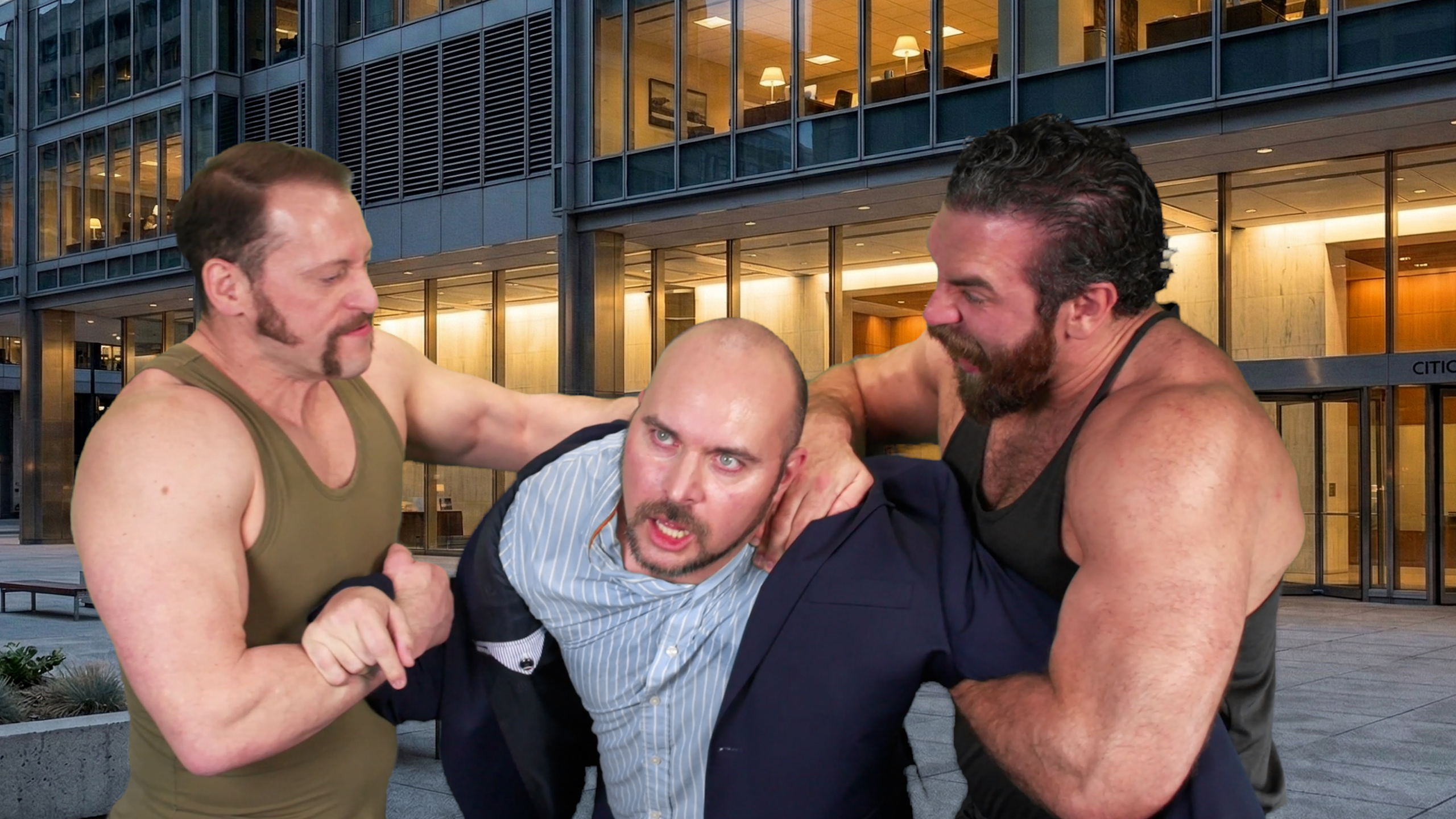
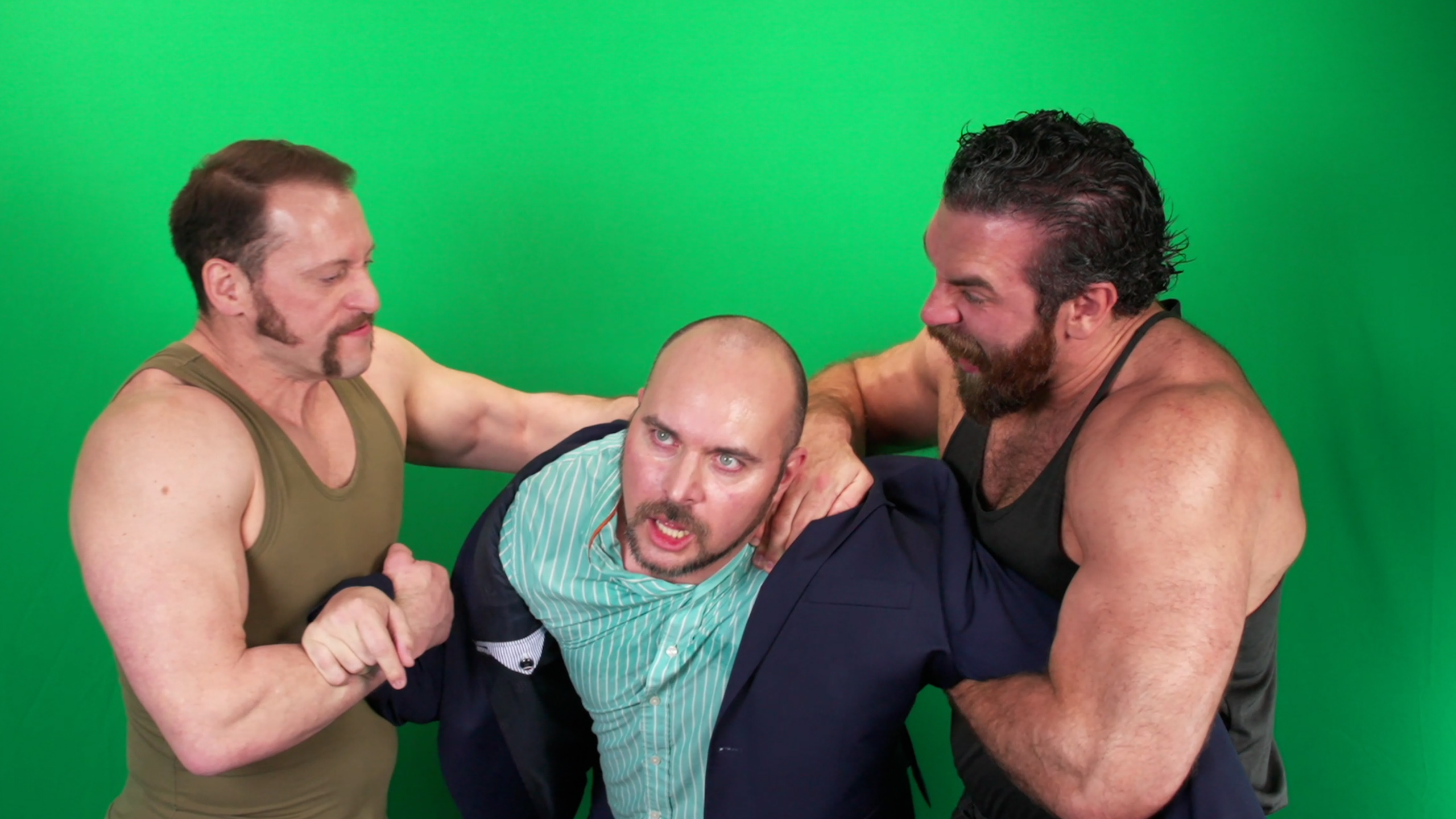 Before: green screenAfter: the plaza
Three performers, a lot of hair, and a lot of contact. Practical contact between actors is always shot for real; the plaza behind them is not.
Editing: three cameras, one laugh track, no cheating
The multi-cam edit was built on the audience track first. We cut to the laughs, then to the performances, in that order, because the laugh tells you where the joke landed and the cameras only tell you who was talking. Once the cut was locked, the green screen shots went to the color suite for the key and set extension. The virtual walls were pulled from the Studio Projects backgrounds, then re-lit to match the stage's warm practical look, which is the opposite of the usual workflow where the plate is lit to match the set.
AI in the taping workflow
A three-camera taping produces a lot of footage, and this is where AI-assisted editing earns its keep. Every camera and every audio track was transcribed and synced automatically, so the editor opened a session with the takes already lined up and searchable. We also used an AI audio tool to separate the audience reaction from bleed on the performers' lavs, which used to be a manual noise-gating job and now takes minutes. For the set extension, AI masking handled the rough separation of performers from the green edge on the wide shot, and the final edges were finished by hand.
Studio Projects: a taping runs on the breakdown
A live audience does not wait for a reset, so the shooting order has to be right before anyone sits down. The scene-by-scene breakdown from Studio Projects, our own software, is what the taping ran on. Upload the script and it lays out every scene with a visual example, describes each character, and produces a shot list per character. For Confident Cards that meant we knew:
- Which beats shared a setup.
- Which performers were on stage back to back.
- Where the one costume change in the show had to land.
The virtual walls behind the stage were the background images Studio Projects generated from the script, chosen and re-lit to match the warm stage look. The editor got the same breakdown with the footage, so the three-camera assembly was built against a scene list that already existed instead of a card dump.
What this means for your event or series
This is the same approach we take to live event production and conference coverage in Michigan: capture the room honestly, build the finish in post, and let the audience's energy carry the edit. If you are planning a taped series, a panel, or a launch event and want it to feel like television without a television budget, this episode is the proof of concept.
Want this pipeline for your brand?
Everything in this post, from the green screen stage and the generated backgrounds to the AI-assisted edit and Studio Projects itself, is the same pipeline we use for brand films and commercials out of Grand Blanc, Michigan. If you want more video without a bigger budget, tell us what you're making and you'll get a real producer's reply, not a rate sheet. Browse the rest of the series on our work page.