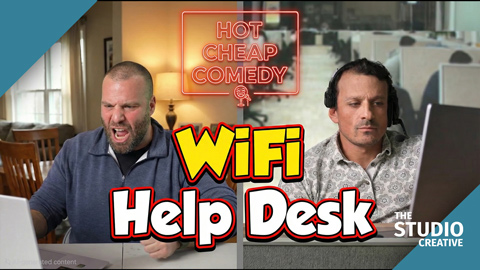
WiFi Help Desk is two people on a phone call: a tech at a help desk and a caller who has not tried turning it off and on again. The finished sketch puts them in two different places. On the day, they were fifteen feet apart in the same room, looking at each other, performing the whole call together in one continuous take. Getting that to work took two different background technologies at the same time, a projector on one end of the studio and a green screen on the other. This post is about why we did it that way, and why it is the reason the timing in the episode feels like a real phone call.
At a glance
- Best Comedy, twice. At the Pageant Film Festival and the New York Shorts Award. Hot Cheap Comedy wrote the script; we did everything else.
- One continuous take. Both performers were on camera at once, fifteen feet apart in the same room, hearing each other.
- Projection on one end, green on the other. The help desk office was projected on the wall; the caller's location was keyed in post.
- Shipped in 48 hours. Cut live on the switcher, picture lock in under a day, and every platform by hour 48.
Watch WiFi Help Desk on its own page.
Award-winning: Best Comedy, twice
WiFi Help Desk has been named Best Comedy by two different festivals, the Pageant Film Festival and the New York Shorts Award, and holds nine laurels in all. Two juries, half a world apart, watched a help desk call from Michigan and gave it their comedy prize.
- Best Comedy, Pageant Film Festival. An independent film festival based in Gangtok, India, listed on IMDb, that judges indie work from around the world in seasonal editions. A sketch about being asked whether you have tried restarting the router won its comedy award, which says something about how universal that phone call is.
- Best Comedy, New York Shorts Award. A New York competition devoted entirely to short films, set up to find and support filmmaking talent, new and established. Best Comedy is one of its genre awards.
The episode was also a finalist at the Milan Indie Film Festival and the Ottawa Film Award, a semi-finalist at the Indiana Independent Film Festival, the Nashville Independent Filmmakers Festival, the Eger Short Film Competition, and the Sacramento Independent Film Festival, and an official selection at the Los Angeles Movie & Music Video Awards and Bridge Fest. The complete record is listed at the end of this post.
Our read on why it won
We were not in the jury room, so this is a producer's guess. Comedy prizes go to timing, and timing is the one thing this production was engineered to protect. Everything below, the projector on one end of the room, the green screen on the other, both performers on camera in one continuous take, exists so that every pause in the finished sketch is a pause one performer actually left for the other. A jury may never know how the episode was shot. They can tell that the call feels real.
It is part of why The Studio Creative can call itself an award-winning video production company in Michigan and point at the evidence: the festivals are named, and the winning sketch is right above this paragraph.
The problem with shooting a phone call
The usual way to film two people on a phone is to shoot them separately. One performer does their side against a set, then the other does theirs, and the editor stitches the call together. It works, and it is how most of television does it. It is also where comedy timing goes to die. Each performer is reacting to a script supervisor reading the other half, or to nothing at all, and the pauses that make a call funny get rebuilt in the edit by hand.
For a two-hander that lives entirely on interruptions, overlaps, and the exact beat before "have you tried restarting it," we wanted the two performers to actually hear each other, in the room, in real time, and to keep every take as one continuous performance. That meant both of them had to be on camera at the same time, each in front of their own background, in the same studio.
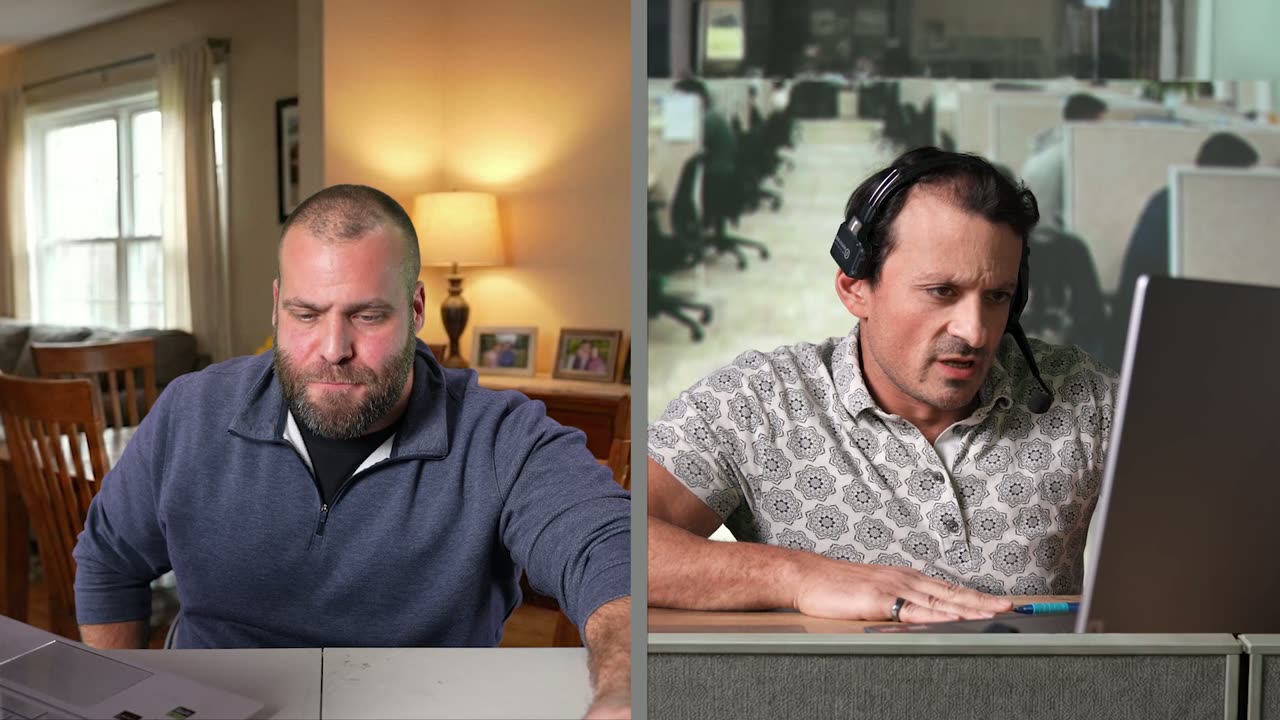
The caller and the tech, both on camera.
The setup: a projector on one end, green on the other
One studio, two ends, two backgrounds. On the help desk end, the backdrop behind the tech is projected: the office is thrown onto the wall behind him by a projector, so the camera sees the finished environment in-camera. On the caller's end, the backdrop is a green screen, and his location gets keyed in during post. The two cameras face opposite directions, and both roll together.
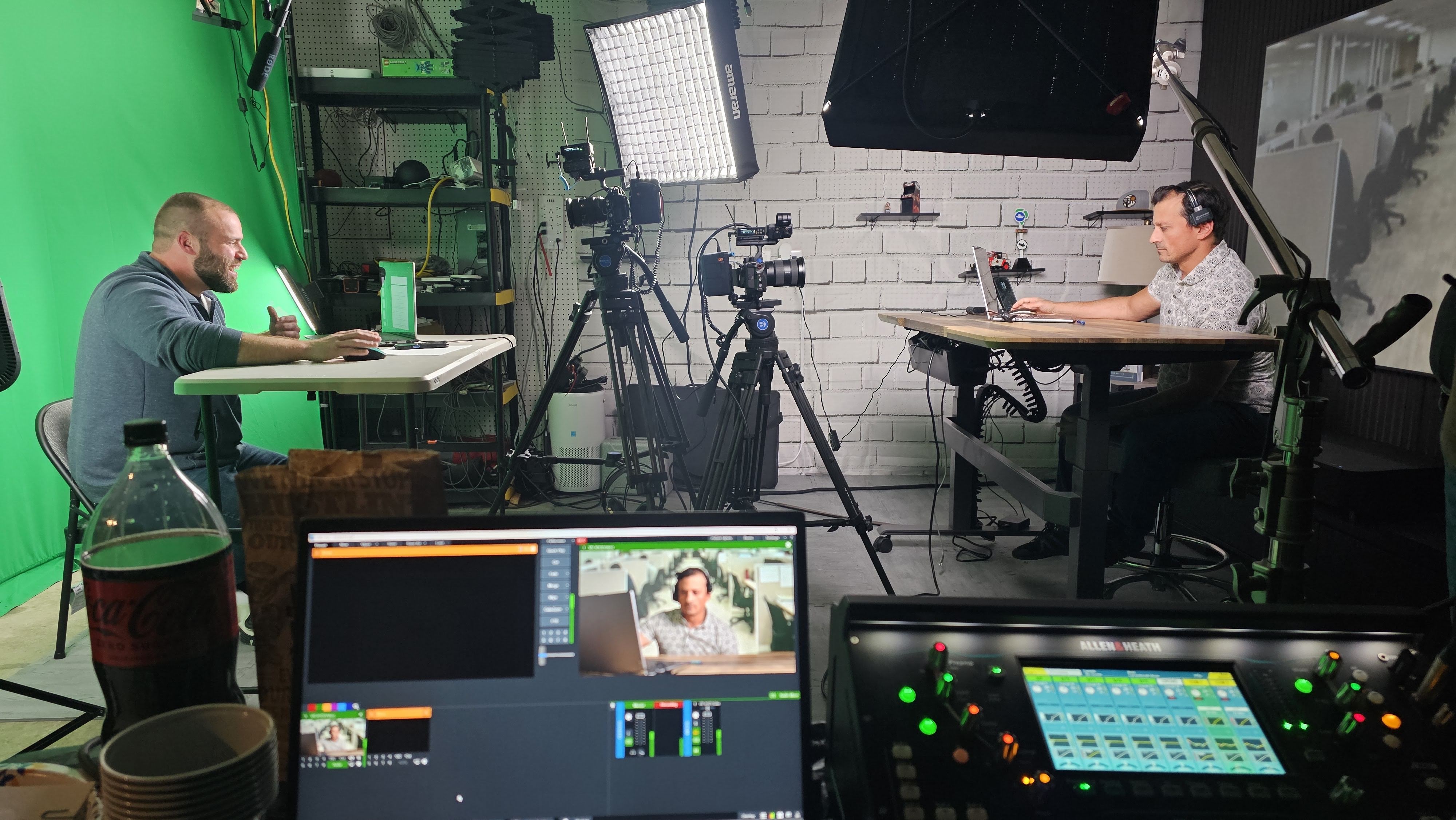
The whole set. Left: the caller on green, keyed in post. Right: the help desk with its backdrop projected onto the wall, finished in-camera. Foreground: the switcher, cutting between the two cameras live.
Why not two green screens? Because two green screens facing each other is a spill problem. Each screen bounces green light across the room onto the other performer, and you spend the whole day fighting it. Why not two projected backdrops? Because a projector needs a dark, controlled end of the room to look right, and the caller's side needed to be flexible: his "location" was still being argued about at the table read.
- Projection side: the projector sits above and behind the camera, aimed at the wall. The performer is lit with a tight, flagged key so no light lands on the projected image and washes it out. What the camera sees is what ships.
- Green side: a standing desk, a laptop, and a full green wall, lit flat and even, with the performer well off the screen. Standard key, the standard spill-suppression pass in the grade.
- The room between them: black. Flags and drapes down the middle so neither background leaks onto the other and the two performers can see each other over the top.
- Audio: both on lavs, mixed live into each other's earpieces with a phone-line filter, so what they heard sounded like a phone call while the room stayed quiet enough to record.
Why it matters: one performance, not two
Because both performers were on camera at once, every take is the whole call, start to finish, with both sides reacting to the real thing. The interruptions are real interruptions. The pause before the punchline is the pause the other performer actually left. When the caller talks over the tech, the tech's reaction is to being talked over, not to a mark on a page. That is the difference between a sketch that feels like a phone call and a sketch that feels like two monologues intercut.
It also changed the edit. With both angles rolling on every take, the editor chose takes, not lines. The best take of the whole call was the best take of both halves, because both halves were the same performance. There was no stitching, no matching a reaction from take four to a line from take nine, and no timing to rebuild.
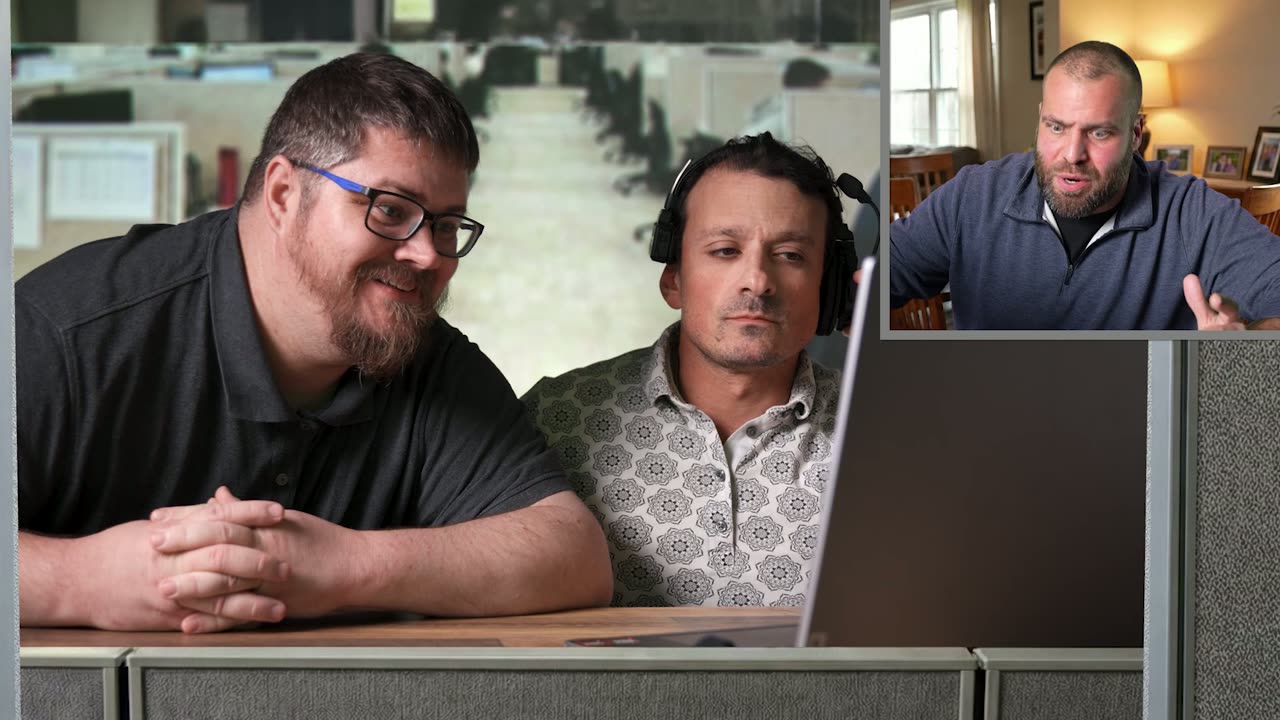
A coworker leans in at the help desk.
Studio Projects: the breakdown that made the decision
The choice to film both performers at once came from the script breakdown. WiFi Help Desk went into Studio Projects, the software we built for the series, and came back scene by scene with a visual example for each scene, a description of both characters, and a shot list per character. Both characters were in every scene. When the per-character shot list says two people share the whole episode, shooting them separately means doubling every setup and rebuilding every pause in the edit, so the breakdown made the case for one room, two backgrounds, one take. The projected help desk backdrop and the caller's keyed-in location were both generated by Studio Projects from that upload, and the projected one went straight onto the wall with no enhancement at all.
Hour 4 to 24: the assembly, mostly done on set
The switcher in the foreground of that photo is not decoration. Both cameras fed into it and the director cut between them live, so a rough edit of the sketch existed by the time the cast left. The AI transcript of every take landed in the editor's inbox the same hour. The circled takes were binned by the scene list from the Studio Projects breakdown, and the live-switched cuts were dropped into a sequence in script order. The editor's job on day one was to pick the take, then tighten it. Picture lock on a six-minute two-hander took under a day.
Hour 24 to 40: the finish
- The key: one side only. The projection side needed no key at all, which halved the compositing on the episode. The green side got the standard spill-suppression chain, batch applied across the take.
- The grade: the projected side set the target, since it was already a finished image. The keyed side was AI shot-matched to it, then finished by eye, so the two locations feel like they are lit by the same afternoon even though one is a projector and one is a composite.
- Audio: AI dialogue cleanup on the lavs, a phone-line filter on whichever voice is on the far end of the cut, and a mix that took an hour.
- Captions: generated from the transcript we already had, then proofread. Most of this audience watches with the sound off.
Hour 40 to 48: every platform
The 16:9 master went into our vertical cutdown template, the AI subject tracking framed the vertical version around whichever performer was speaking, the caption style and end card applied automatically, and the editor reviewed the 9:16 and 1:1 versions instead of building them. Three deliverables, one review pass. Shot Tuesday afternoon, scheduled for Thursday morning on Wednesday.
Where AI fit, in one list
- Transcription.
- Assembly.
- Shot matching.
- Dialogue cleanup.
- Captions.
- Vertical framing.
None of it is visible in the episode. All of it is visible in the calendar. What AI did not do is the thing this episode is actually about: putting two people in the same room so the comedy happens between them, and choosing a projector for one end and a green screen for the other so the camera could see both. That is a production decision, and it is the kind we would rather make well than automate.
What this means for your content
If you film interviews, customer conversations, or any two-person format, the same setup applies. Projection gives you a finished background in-camera with no keying and real reflections; green screen gives you a background you can change after the fact. Used together, on opposite ends of one room, they let two people perform to each other in real time while each appears somewhere else. That is how a brand conversation gets shot in one afternoon in Grand Blanc, Michigan and still looks like it was filmed in two cities.
Want this pipeline for your brand?
Everything in this post, from the green screen stage and the generated backgrounds to the AI-assisted edit and Studio Projects itself, is the same pipeline we use for brand films and commercials out of Grand Blanc, Michigan. If you want more video without a bigger budget, tell us what you're making and you'll get a real producer's reply, not a rate sheet. Browse the rest of the series on our work page.