We use AI for the work around the creative work: organizing every project, getting a first edit on the timeline, answering and filing every enquiry, checking websites for risk and keeping our own site current. That gives our clients faster replies, fewer loose ends and more of the budget spent on the story itself. The cameras, the directing, the story and the final say stay with people, and nothing reaches a client until one of us has looked at it. Below is what that looks like on a normal day, with the tools we built to do it.
How We Use AI to Serve Clients Faster
In this article10 sections
- The rule we work by: AI drafts, people decide
- 1. Organizing every shoot before it starts
- 2. Editing podcasts with a plugin we built
- 3. Content that sounds like the brand
- 4. Every enquiry answered, filed and followed up
- 5. Checking websites before a regulator does
- 6. Small AI helpers our customers touch
- How to start using AI in your own business
- What AI does not do here
- Questions clients ask
At a glance4 key points
- Every project organized from day one in Studio Projects, the production app we built.
- Podcasts edited in a fraction of the clicks with Podcast Autopilot, our plugin for Premiere Pro.
- Every enquiry answered and filed in CRM Connect, with AI that can reply and book.
- A person signs off on everything a client sees.
The rule we work by: AI drafts, people decide
AI is fast and tireless at sorting, drafting and checking. It is also confidently wrong often enough that it never gets the last word. So every tool below is built the same way: it does the first pass, shows its work, and waits for a person. Three promises come with that:
- No invented results. A number on this site comes from a real record, never from a model.
- No AI pictures passed off as our footage. When a picture is AI made, it is labelled that way.
- Everything stays editable. What AI builds lands as normal files, normal timelines and normal records, so a person can change any of it.
1. Organizing every shoot before it starts
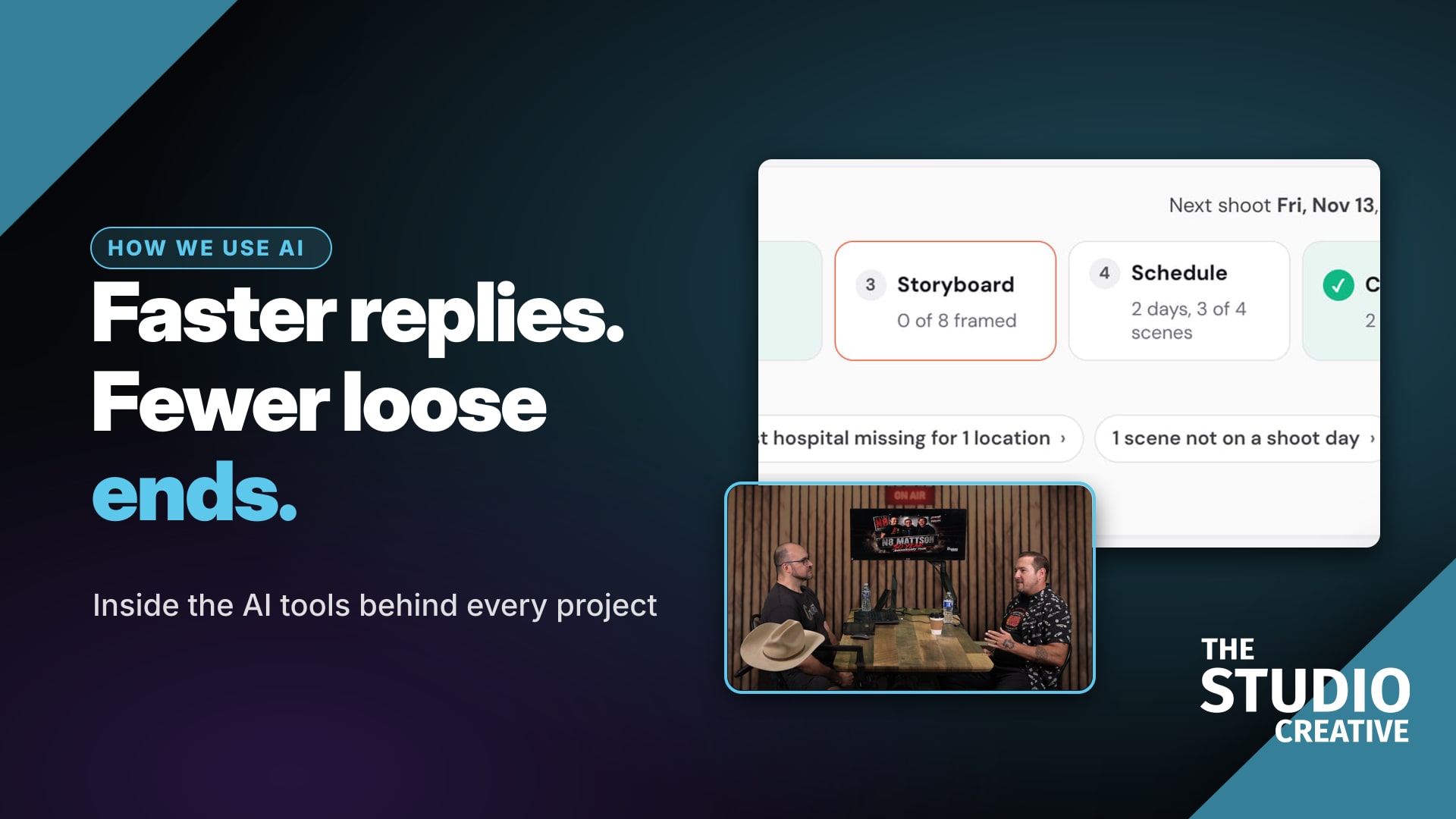
Most production problems are organizing problems: a location nobody booked, a scene with no shoot day, a release nobody signed. We built Studio Projects to catch those days early. Upload a script and it breaks it down scene by scene, describes every character, builds a shot list for each performer and can generate the backgrounds that replace a green screen. The project home then lists everything still missing, each item a link to the fix.
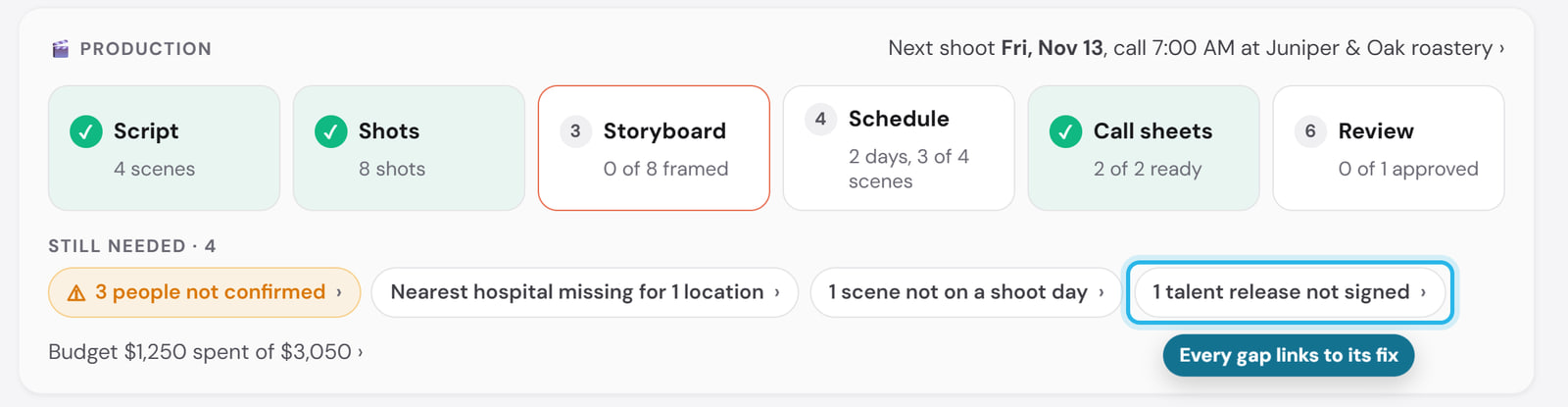
What our clients get: a call sheet that is right the first time, a shoot day that starts on time, and one link to review and approve the cut instead of a long email thread.
2. Editing podcasts with a plugin we built
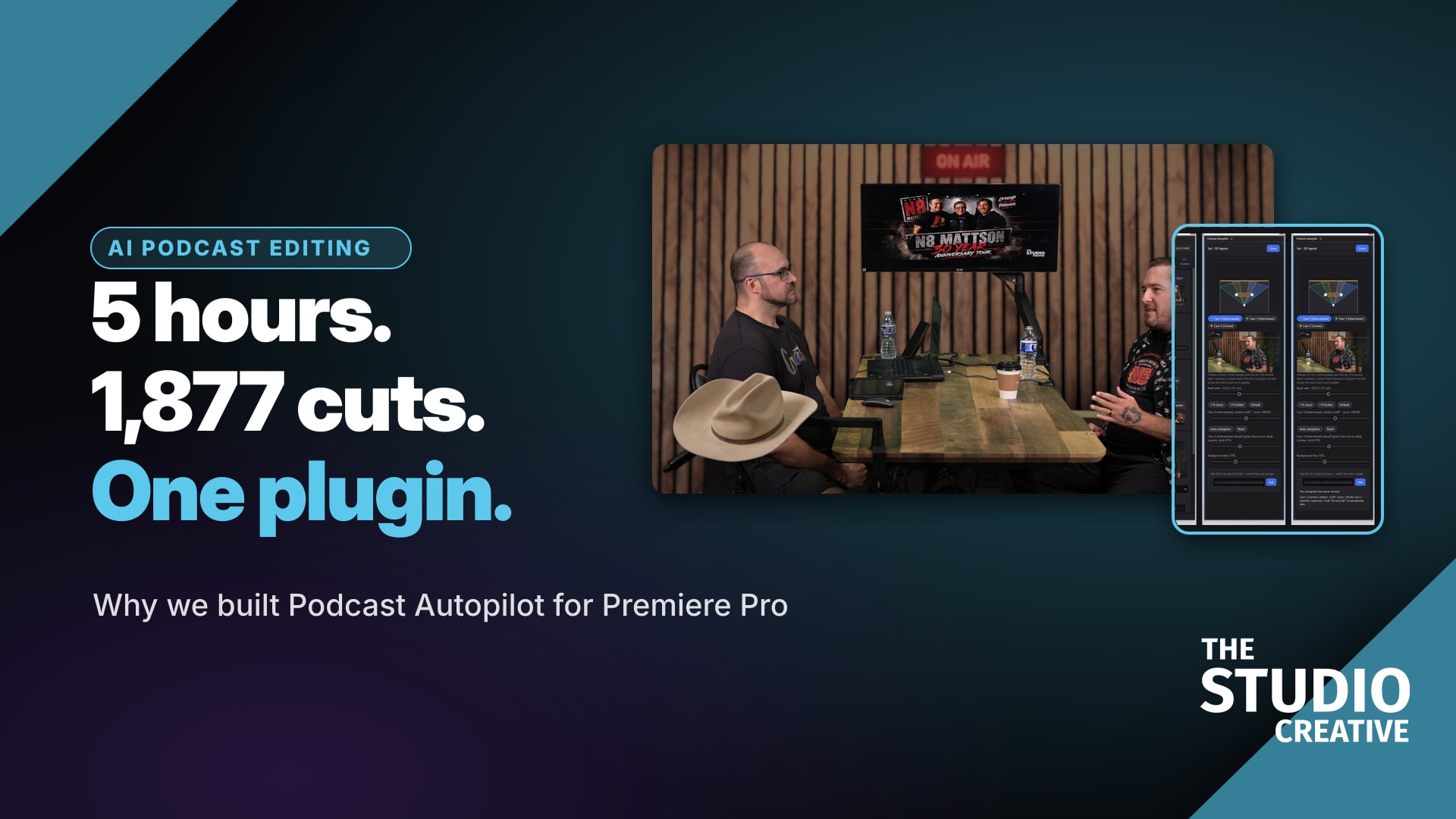
A video podcast is the most repetitive edit there is: sync every camera, cut to whoever is talking, key the green screen, add captions, find the clips, make the thumbnails, export for every platform. So we built Podcast Autopilot, a plugin for Adobe Premiere Pro and DaVinci Resolve that does that first pass and leaves it all as a normal, editable timeline. On our five-hour conversation with wrestler N8 Mattson it placed 1,877 camera cuts, and fixes like "there's green on the desk" became one typed note instead of an afternoon.
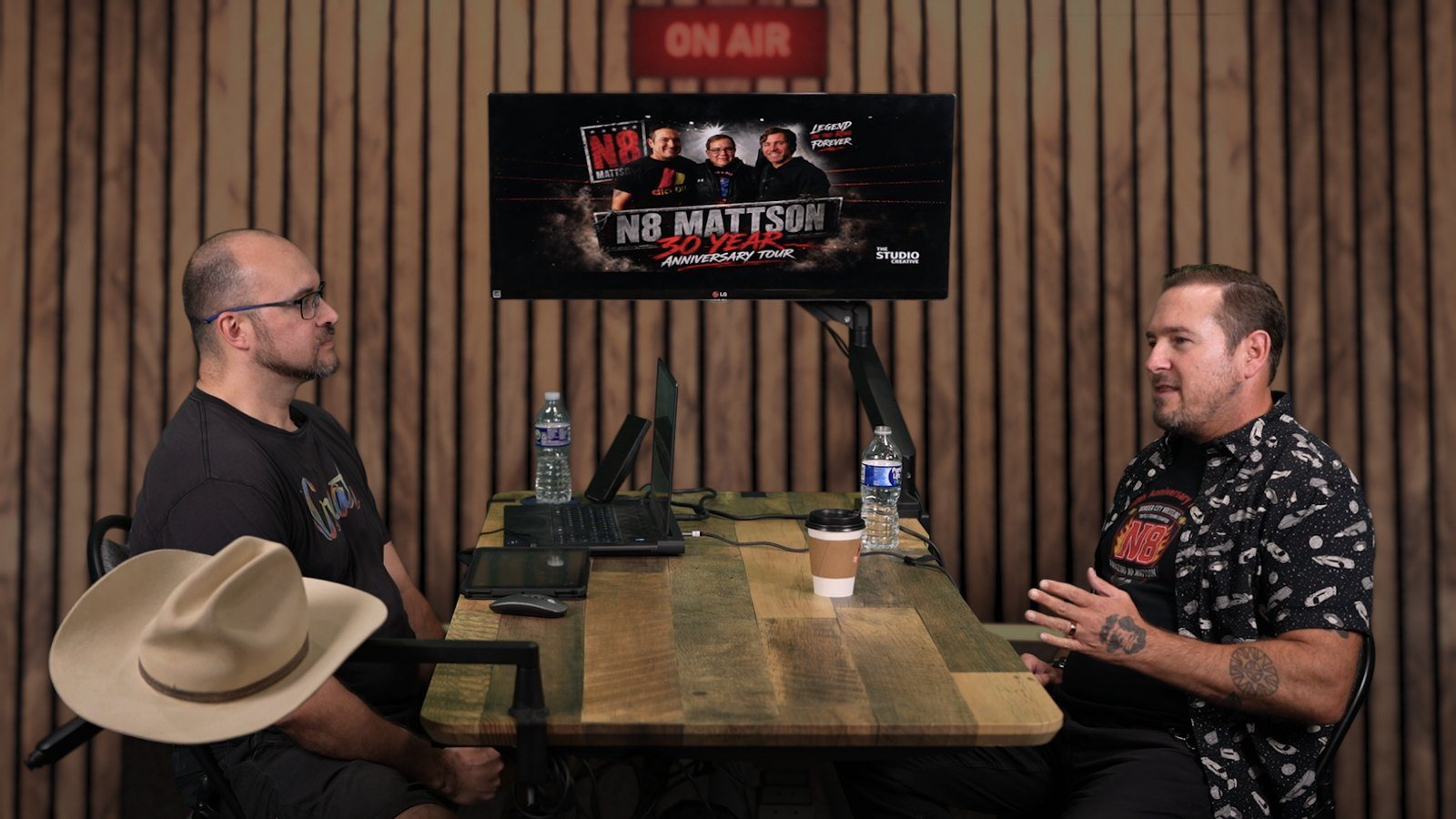
The whole story, with screenshots of the panel inside Premiere and why we built it, is in Why we built an AI podcast editing plugin.
3. Content that sounds like the brand
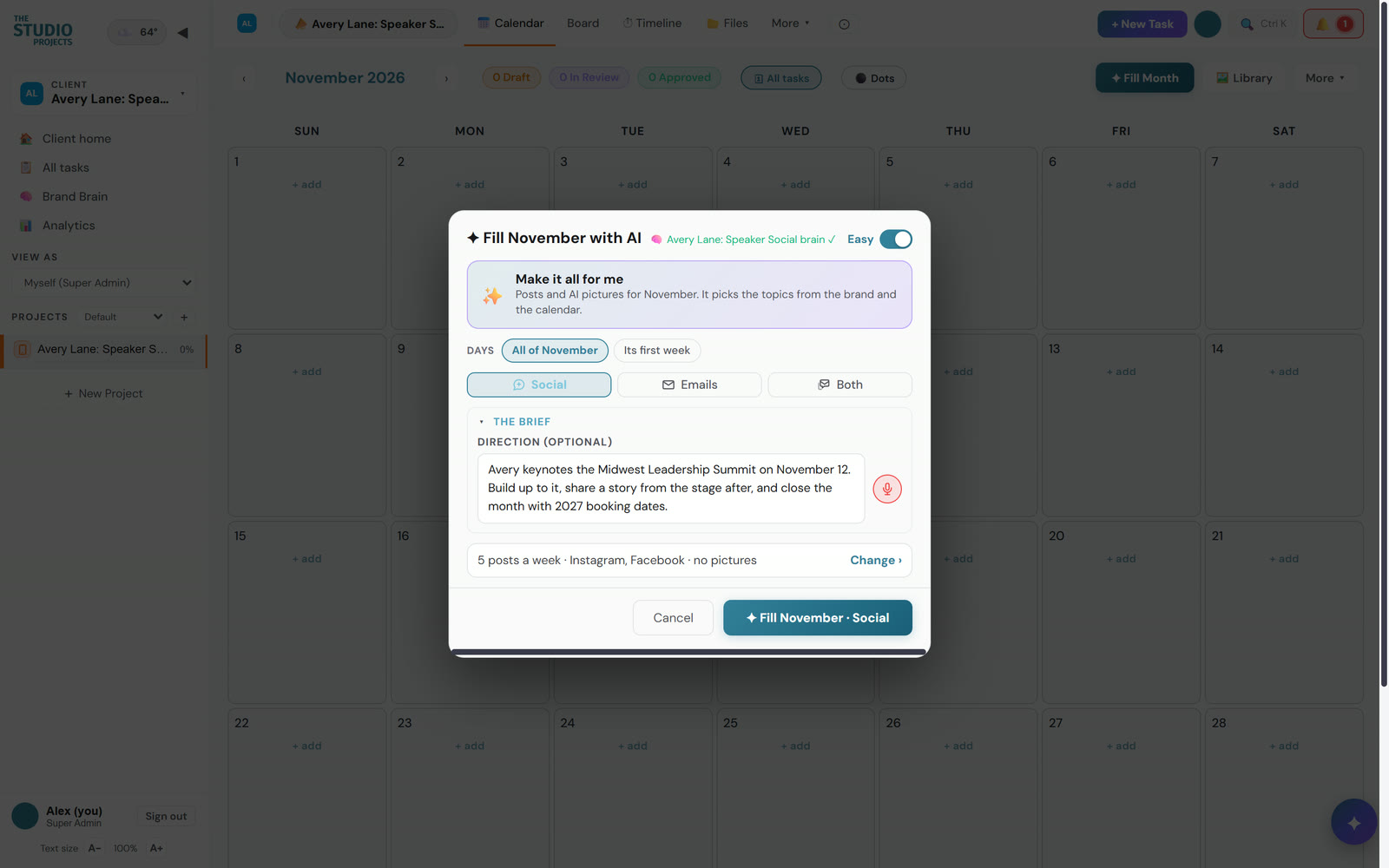
The hardest part of social media is not ideas, it is time. Studio Projects reads a brand's website, learns how it looks and sounds, and fills a month of posts with pictures in one click, all waiting for an OK. It learns from what gets approved, edited and turned down, so month two needs fewer changes than month one. See it fill a month.
4. Every enquiry answered, filed and followed up
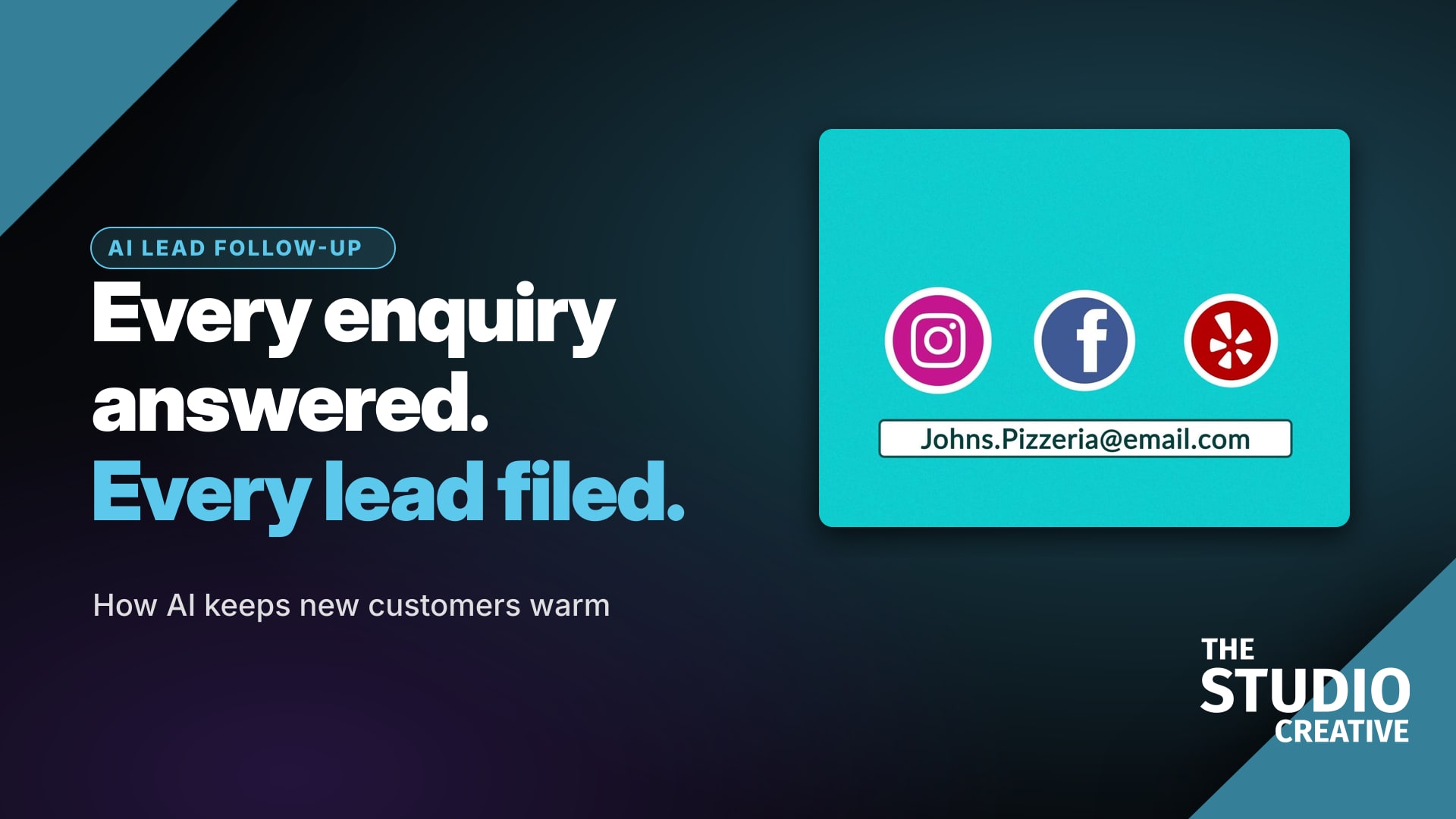
A fast reply wins more work than a clever ad. Every form on this site goes into CRM Connect, our marketing system: it is checked for spam, tagged by what the person asked for, placed in the right sales pipeline and answered with a confirmation, and a person replies, usually the same business day. For clients we switch on the AI parts too: an appointment setter that books calls, a voice agent that answers the phone and a website chatbot. That gets its own post: AI lead follow-up for small businesses.
5. Checking websites before a regulator does
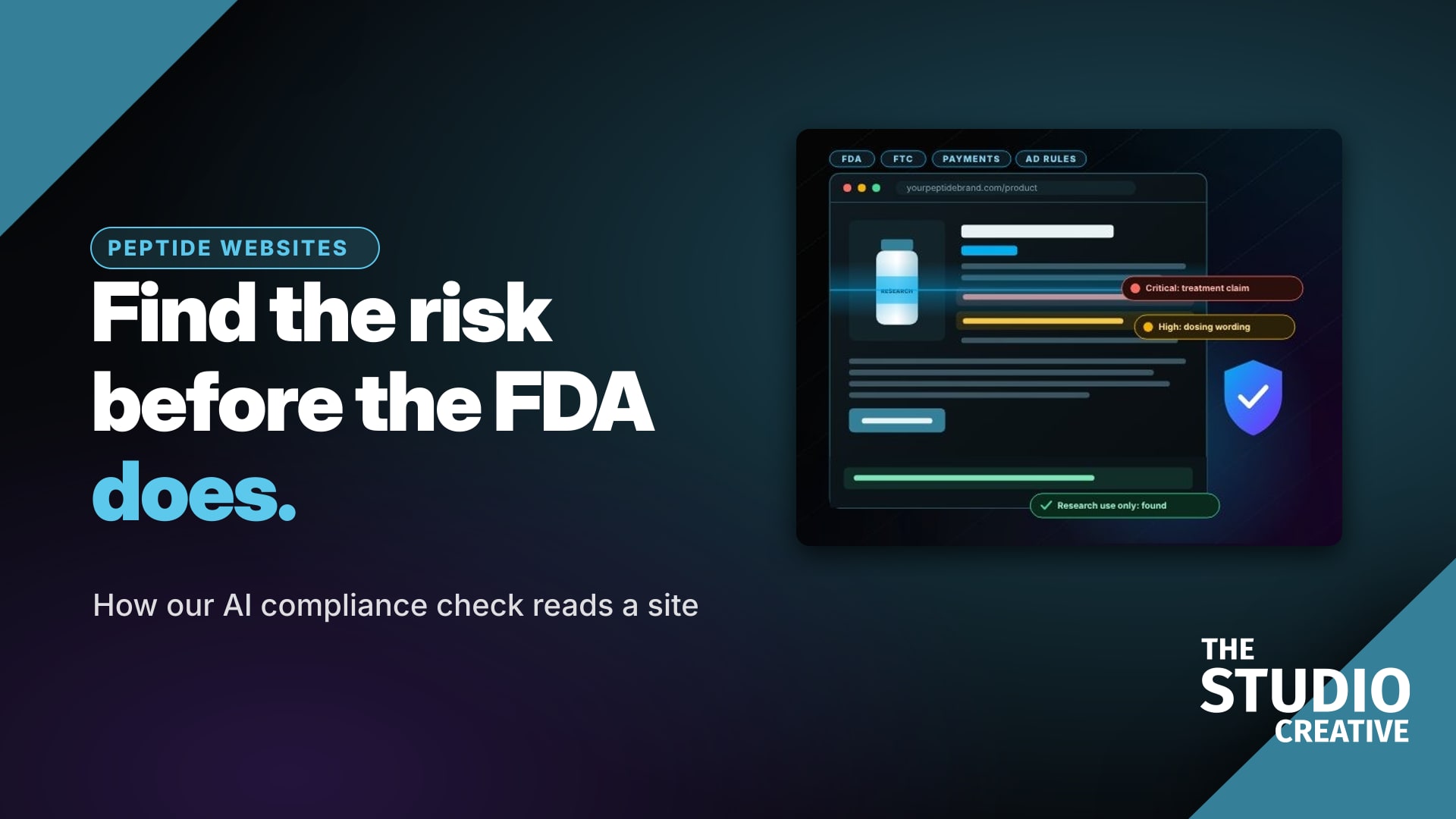
For peptide and telehealth brands, one sentence on a product page can bring a warning letter or a frozen payment account. Our free Peptide Compliance Checker reads a site against rules we research every week, quotes every risky sentence, shows where it sits on the page and suggests wording to paste in. How it works, and why it never guesses: How we use AI to check peptide websites.
6. Small AI helpers our customers touch
- Mic flags. When someone orders a custom mic flag, AI gives their logo file a quick look so we know before the proof whether it needs redrawing, and they can opt in to an AI photo of themselves holding their own flag. That photo has its own consent box, and the picture is marked "AI example."
- This website. Our site is edited by an AI coding assistant working from plain-English notes, with checks on every build for alt text, page titles, share images and broken links. That is how a new page or post goes live the same day it is asked for.
- Our own numbers. Each month AI reads our analytics and lists what to fix next, such as a page Google shows that nobody clicks. A person decides what changes.
How to start using AI in your own business
The order we learned it in is the order we would suggest:
- Start with the work you repeat every week, such as replying to enquiries, sorting files or drafting posts, not the work you are proud of.
- Write down your rules first. Your names, your prices, what you never say. AI follows a written rule far better than a hope.
- Make it show its work. Every answer should point to where it came from, so a person can check it in seconds.
- Keep a person on the send button. Let AI draft and file; let a person approve anything a customer will read.
- Watch what it costs. Log every paid AI call so a helpful tool does not quietly become an expensive one.
What AI does not do here
It does not run a camera, direct a performance or decide what your story is. It does not write a client result, a review or a testimonial. It does not send a client anything a person has not read. And it does not get to spend money unwatched: every paid AI call our tools make is logged in a costs report we check.
Questions clients ask
Will my video be made by AI?
No. Your video is filmed by our crew and edited by people. AI handles the repetitive parts of the edit, like syncing cameras and placing the first cut, so the editor's time goes into pacing, story and polish.
Do you use AI images in client work?
Only when the job calls for it, such as a background for a green screen set, and never presented as real footage. Photos of people and places in our work are real unless they are clearly labelled.
Does AI make things faster for me?
Yes, mostly in the in-between steps: a quicker first cut, call sheets that fill themselves in, shorts and captions that come out with the edit, and enquiries that get a confirmation the moment they are sent.
What is the best first job to give AI in a small business?
Replying to and filing new enquiries. It is repetitive, it happens every day, and a fast, organized reply wins more work than almost anything else. Keep a person writing the real answer, and let AI handle the confirmation, the filing and the reminder.
Can you set up the same tools for my business?
Yes. CRM Connect and the AI follow-up tools are available to clients, and Studio Projects is open by invitation. If it would help, tell us what you are working on and we will say honestly which ones fit.
Was this useful?
how agencies use AIAI for small businessAI video productionAI marketing agencyAI project managementAI podcast editingAI lead follow-upStudio ProjectsPodcast AutopilotCRM ConnectThe Studio Creative