The most expensive video is the one that gets posted once. A shoot day costs what it costs whether it yields one deliverable or thirty, and the difference between those outcomes is almost entirely planning. Repurposing is not chopping a finished video into pieces afterward and hoping some of them work. It is deciding, before the shoot, everything the day needs to produce, and filming for all of it at once.
At a glance
- List the outputs first. Decide everything the day must produce before you write the script.
- Ask for stand-alone answers. One complete thought per question; twelve good questions yield twelve clips.
- Frame for both shapes. Keep the subject near the center so a vertical crop still works.
- Release on a schedule. The same thirty pieces spread across four to six weeks is a presence, not a spike.
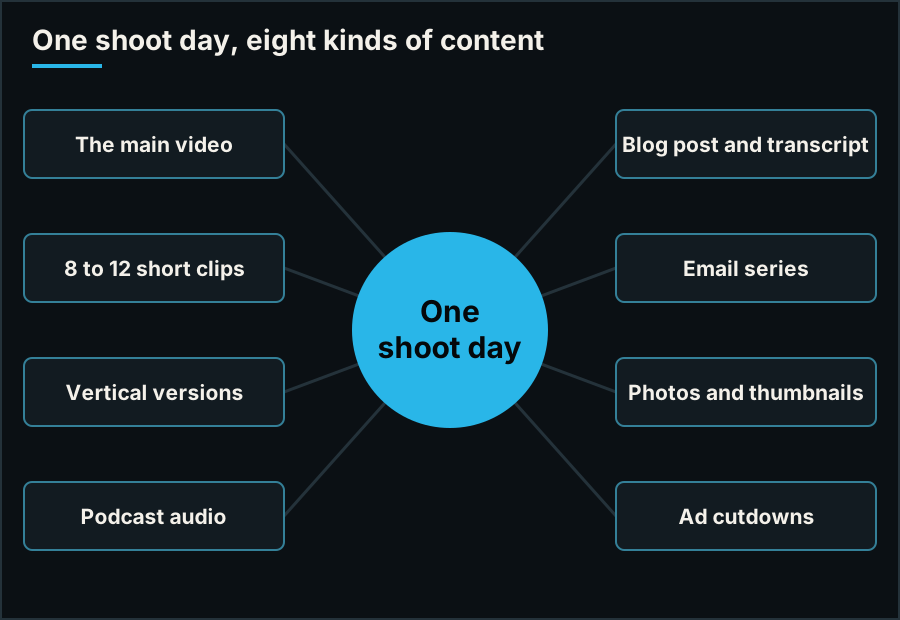
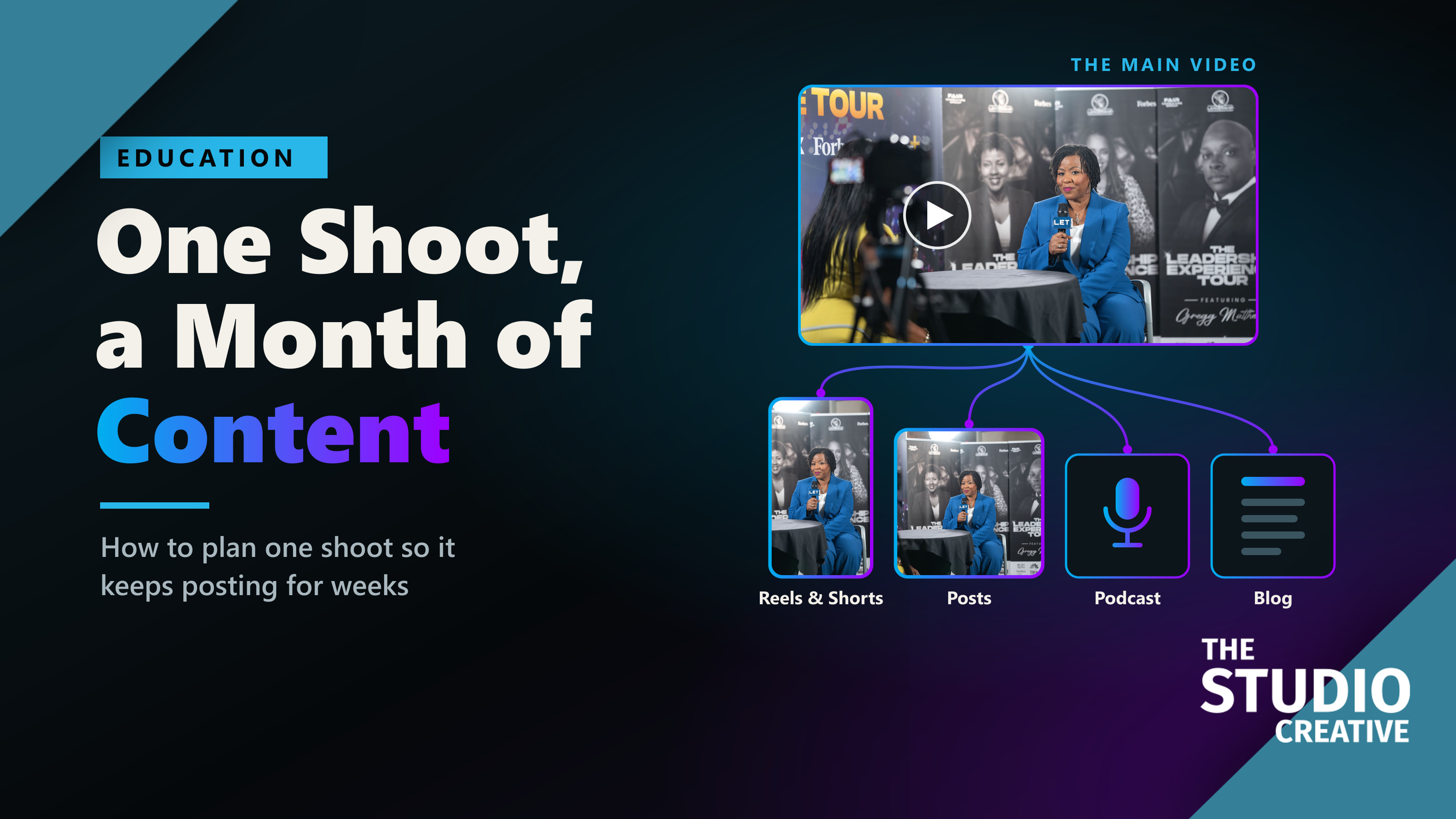
What one well-planned shoot day can produce.
Why this is worth the planning
Two pieces of current data make the case. In HubSpot's 2026 State of Marketing data, marketers ranked short-form video as the content format with the highest return, ahead of long-form video and live streaming. And in the State of Video report from Wistia, more than half of companies said they already repurpose their videos into social clips, with LinkedIn the most common place to post them, followed by Instagram, YouTube, and Facebook.
Put together: the format that performs best is the one a good shoot produces as a by-product, and most of your competitors have already worked that out.
What one shoot can become
- The main video. The two to three minute piece for your website or the event it was made for.
- Eight to twelve short clips. One idea each, 20 to 45 seconds, each able to stand completely alone.
- Vertical versions of the best clips, framed for phones.
- Podcast or audio content, if the conversation was long enough to carry it.
- A blog post, built from the transcript. It is search-friendly text you did not have to write from a blank page.
- An email series. One clip and one paragraph per email.
- Photos. Portraits, team shots, and behind-the-scenes frames, taken while the lights are already up.
- Ad cutdowns. Six, fifteen, and thirty second versions with the offer stated early.
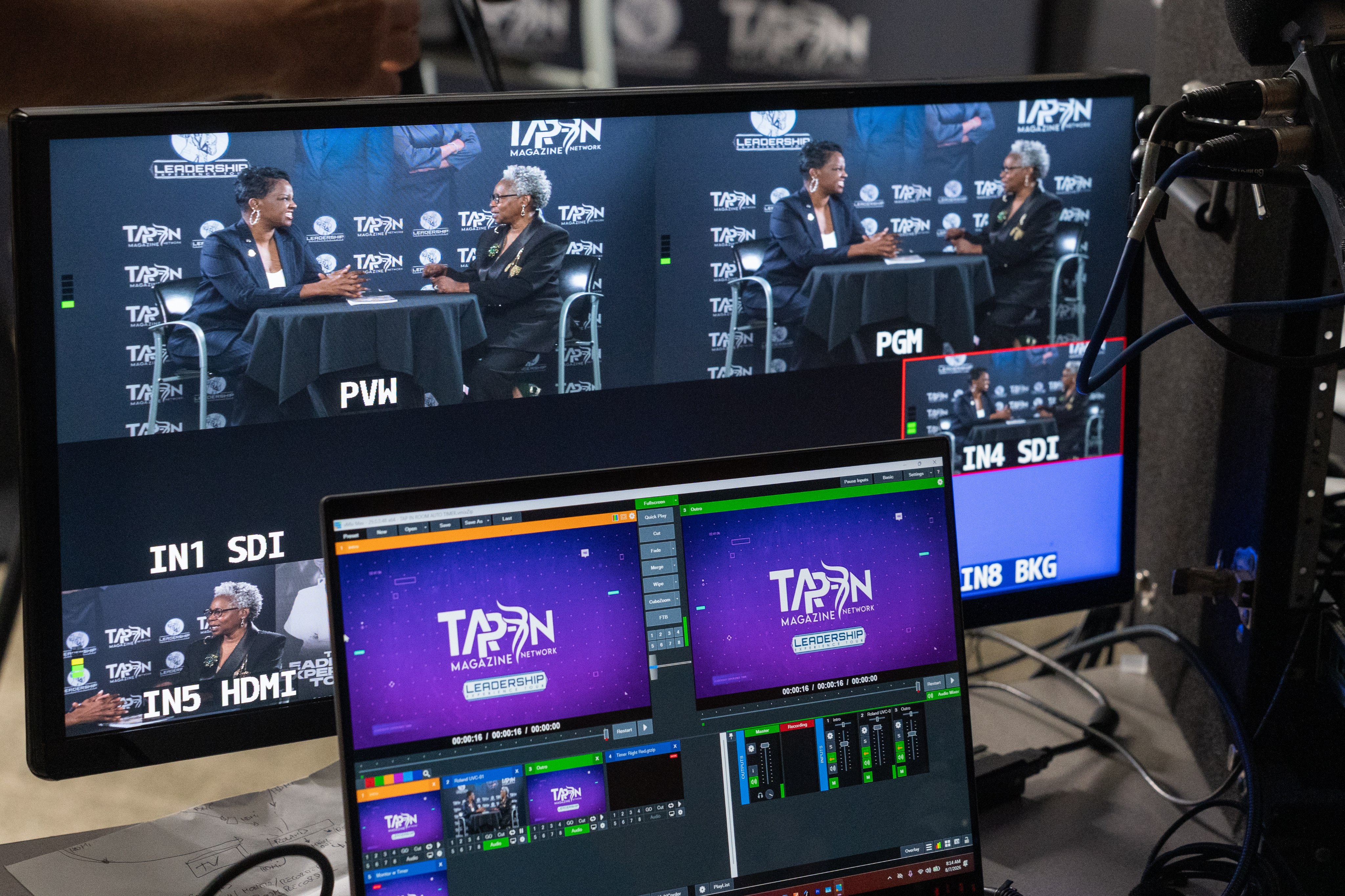
A two-camera podcast recording.
Planning it: five decisions before the shoot
1. List the outputs first
Write the list above for your own project before you write the script. Every later decision depends on it, and it belongs in the creative brief.
2. Ask questions that produce stand-alone answers
A short clip only works if it makes sense with no context. So interview questions should each invite one complete thought: one tip, one mistake, one story, one opinion. Ask the speaker to restate the question in the answer, as we describe in our on-camera guide. Twelve good questions yield twelve clips.
3. Frame for horizontal and vertical at the same time
Keep the subject near the center of the frame with space above and to the sides, and shoot at a high enough resolution that a vertical crop still looks sharp. A subject pushed to the far edge of a wide frame cannot be turned into a vertical video. This single decision, made on the day, is what separates footage that can be repurposed from footage that cannot.
4. Film the supporting footage for every topic
Each clip needs something to cut to. If the owner is going to talk about the workshop, the delivery trucks, and the front desk, film all three. Thin supporting footage is why repurposed clips so often look like the same talking head twelve times.
5. Record clean audio as its own asset
Good sound makes the podcast and the audio clips possible, and it makes the transcript accurate, which makes the captions and the blog post faster to produce.
Editing: build the system once
The efficiency comes from doing things once. One caption style, one set of title templates, one end card, applied to every clip. We run finished horizontal pieces through a vertical cutdown template, where subject tracking keeps the speaker in frame and the captions and end card apply automatically, so an editor reviews the versions instead of building each one by hand.
Release it on a schedule, not all at once
Thirty pieces posted in one week is a spike that disappears. The same thirty across four to six weeks is a presence. A simple pattern that works: the main video in week one, then two or three clips a week, the blog post in week two, and the email series running alongside. Give each clip a first line written for the platform it is going on, because the opening words decide whether anyone watches.
Live events are the strongest version of this. A conference is one or two days that can never be re-shot, packed with speakers, audiences, and sponsors. We covered how we turn one into content that goes out during the event, and then sells tickets for the next one, on our page for event organizers.
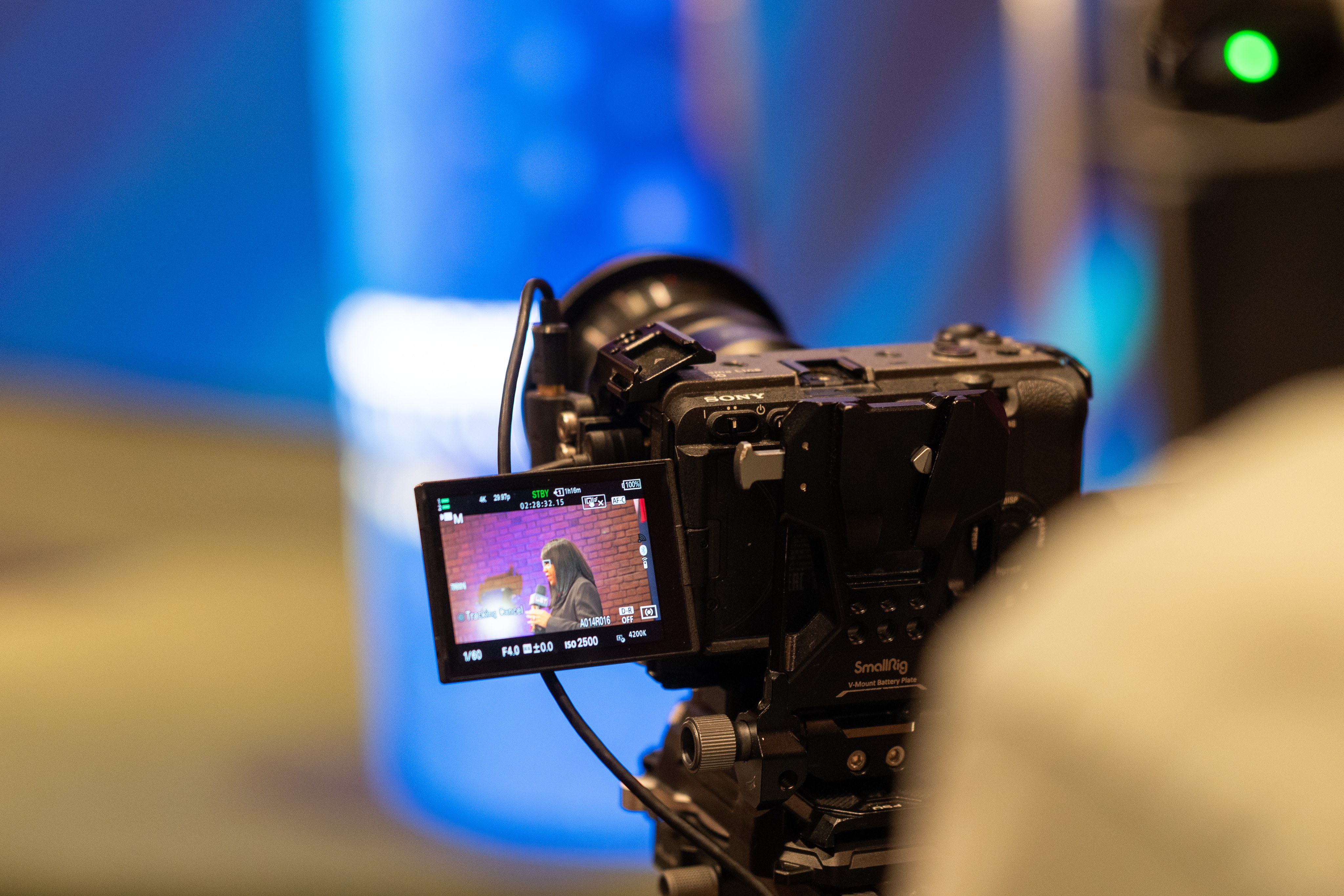
Camera and monitor, set before doors.
Four mistakes to avoid
- Cutting clips by length instead of by idea. A clip that ends mid-thought is worse than no clip.
- Posting the horizontal video everywhere. A wide video in a vertical feed is a small strip in the middle of the screen.
- Skipping captions.
- Forgetting your own website. Social posts vanish in a day. The same content on your own pages keeps being found for years.
Want a second opinion on your next video?
If you have a shoot coming up, or footage already sitting on a drive, we can show you how much more it could be doing. We are a video production company in Grand Blanc, Michigan, with our own studio and a crew that works across the state and beyond. Tell us what you are planning and a producer will reply with real advice, whether or not you hire us. More guides like this one live under Education on our blog.