We write a lot about green screen, so it is worth being clear: it is a tool, not a religion. Family Business was shot in a real location with a small crew and available light, and it was the right call. This post is about how we decide, how we light a location fast when the answer is "practical," and where AI still earns its place in a shoot with no key in it.
At a glance
- Shot on location. One real room, a small crew and available light, with no green screen.
- The rule for choosing. When the place is the joke, go practical. When it is a backdrop for the joke, go green.
- Lighting in twenty minutes. A window as the key, a black flag for negative fill, and one small source for the back of the room.
- AI still helps. Transcript editing, dialogue cleanup, a continuity check and vertical cuts, on a shoot with no key in it.
Watch Family Business on its own page.
The rule for choosing
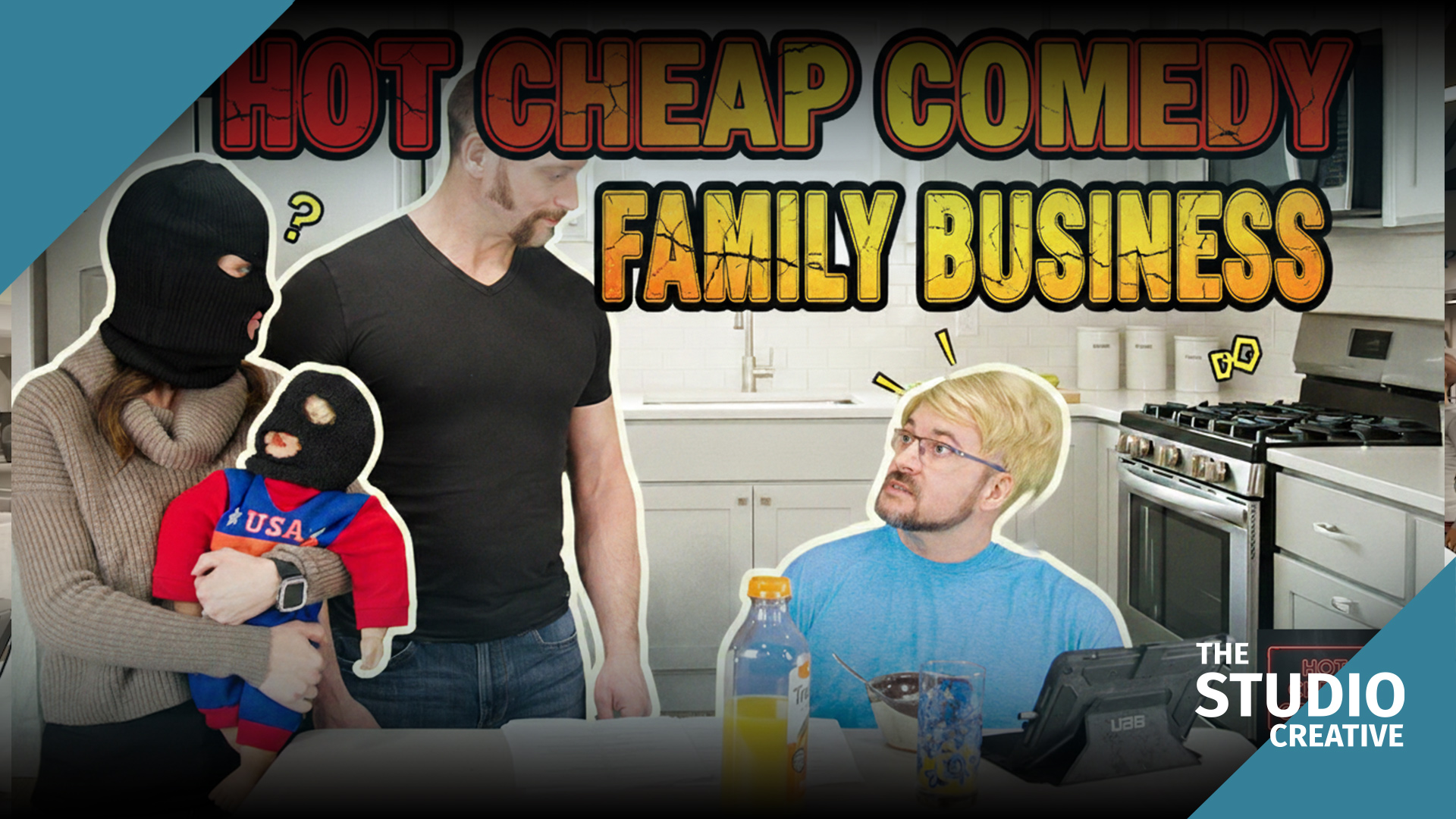
We ask one question at the table read: does the joke need the audience to believe the place, or to believe the situation? A sketch about a family-run business needs a real, slightly worn, lived-in room. The texture is part of the joke. A virtual set can give you a room, but it gives you a clean one, and clean is wrong here.
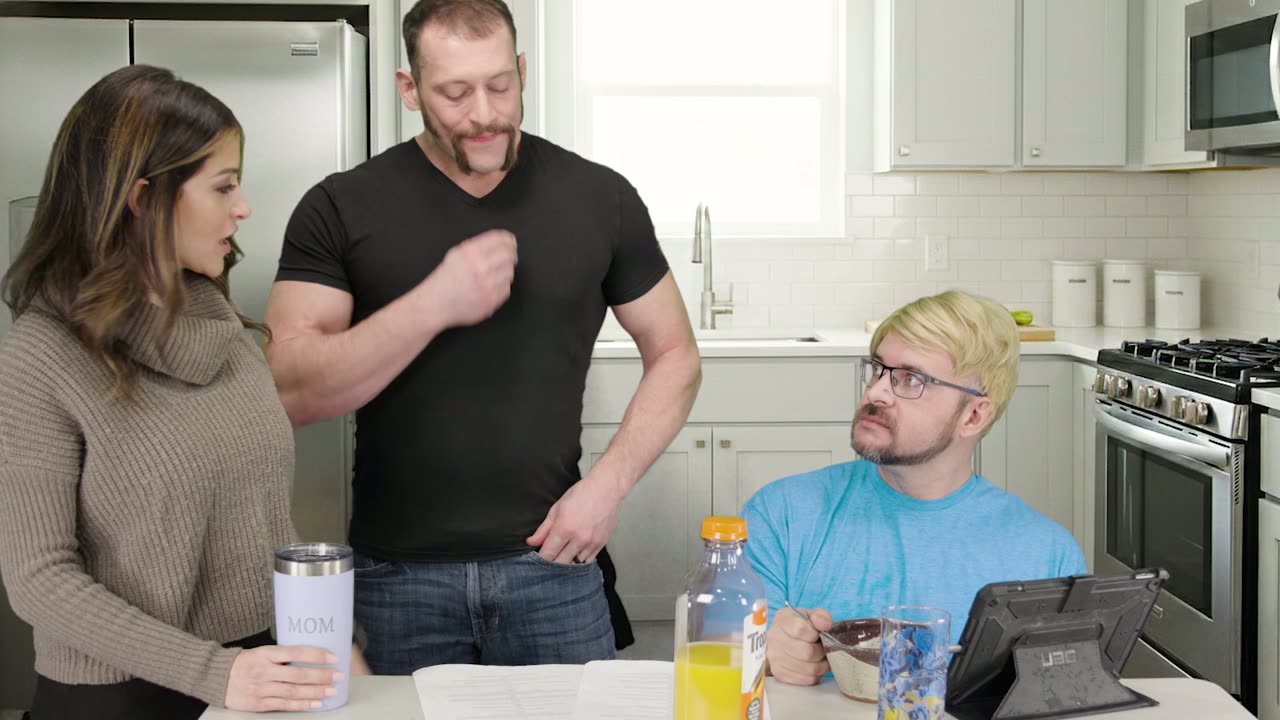
The kitchen, shot on location.
The second question is the schedule. Family Business had one location, one lighting look, and three performers. That is a half-day on location. A sketch with four locations is a day on green screen or a week on the road, and the schedule decides.
Filming: lighting a location in twenty minutes
Our location kit for a piece like this fits in two cases. The goal is to shape what is already there, not to replace it.
- Window as key. The room had one good window. We put the performers where it lit them from the side, and killed the overhead fluorescents, which are the enemy of every face they touch.
- Negative fill. A black flag opposite the window to put some shape back into faces. This is the single most underused tool in small-crew video production, and it costs nothing.
- One small source to lift the back of the room a stop so it does not fall to black on camera. That is the whole setup.
- Sound first. A location is chosen with ears as much as eyes. We turned off the refrigerator, the HVAC, and a fish tank, and put it all back when we wrapped.
Editing: no key, same speed
With no composite to build, the edit on Family Business was about pacing. The ensemble improvises on the day, so there were more alternates than scripted lines. The cut was built from the AI transcript, as all our dialogue sketches are now, with the editor marking the funniest delivery of each beat in text before touching a single frame. The pass from assembly to picture lock was one day.
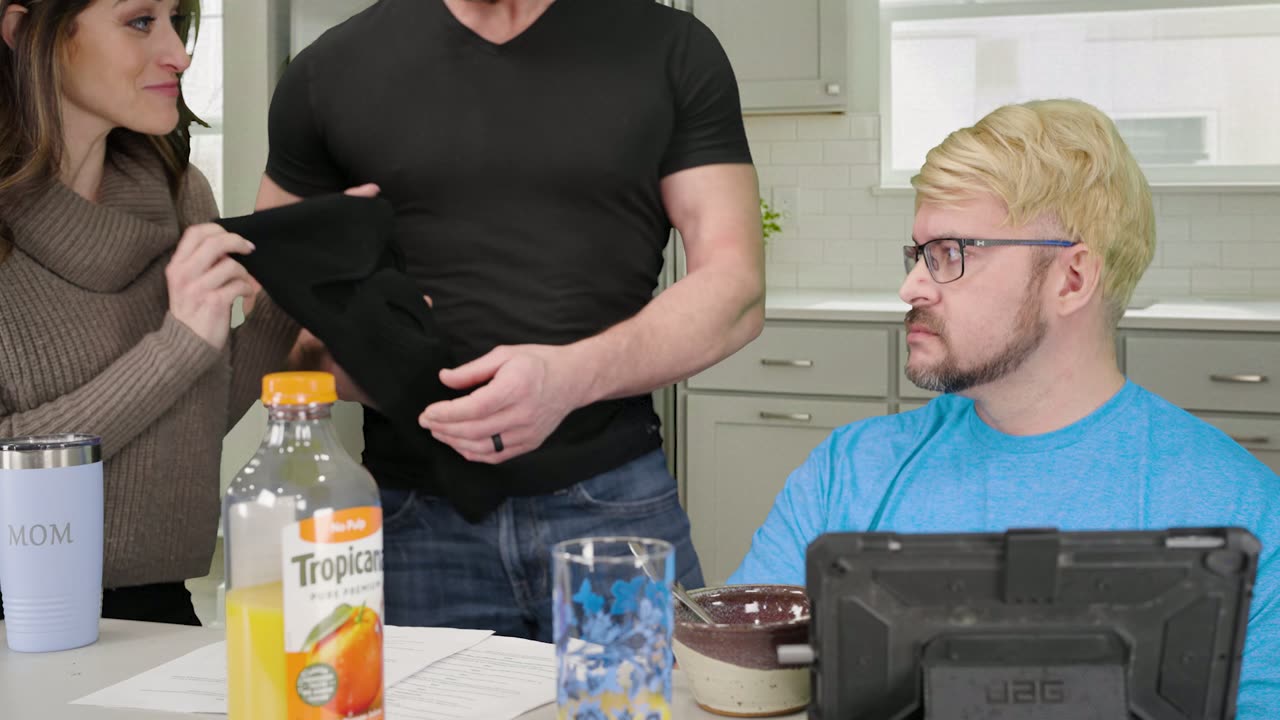
The same kitchen, a beat later.
Where AI still helped
People assume AI in video production means green screen and generated backgrounds. On a practical shoot it is quieter and just as useful:
- Dialogue cleanup. A location always has a hum you did not hear on the day. An AI noise pass removed it without the dialogue sounding processed.
- Transcript editing, as above. This is now standard on every dialogue piece regardless of how it was shot.
- Continuity check. We used an AI image comparison to flag frames where a prop had moved between takes. It caught a mug. The mug was fixed.
- Vertical cuts. The social versions were framed with an AI subject-tracking crop, then hand-checked, so the episode ships in 16:9 and 9:16 the same day.
Studio Projects on a practical shoot
People assume our software, Studio Projects, is a green screen tool, because it generates the background images that replace the green. It is really a script tool. Family Business had no green screen and it still went through Studio Projects first: the upload came back as a scene-by-scene breakdown with a visual example of each scene, a description of each character, and a shot list per character. On a practical location that is the schedule, the prop list, and the answer to "how long do we need the room for." The generated backgrounds were simply not used. The social versions were then cut from the finished 16:9 master with our vertical cutdown template, which holds the AI-tracked framing, the caption style, and the end card, so the episode shipped in three formats the same day.
What this means for your video
If a producer tells you every project needs a green screen, or that none of them do, be suspicious. The right answer depends on whether the place is the joke. For a real Michigan business with a real room and a real story, practical is often faster and always more honest. We will tell you which one your project needs before we quote it.
Want this pipeline for your brand?
Everything in this post, from the green screen stage and the generated backgrounds to the AI-assisted edit and Studio Projects itself, is the same pipeline we use for brand films and commercials out of Grand Blanc, Michigan. If you want more video without a bigger budget, tell us what you're making and you'll get a real producer's reply, not a rate sheet. Browse the rest of the series on our work page.