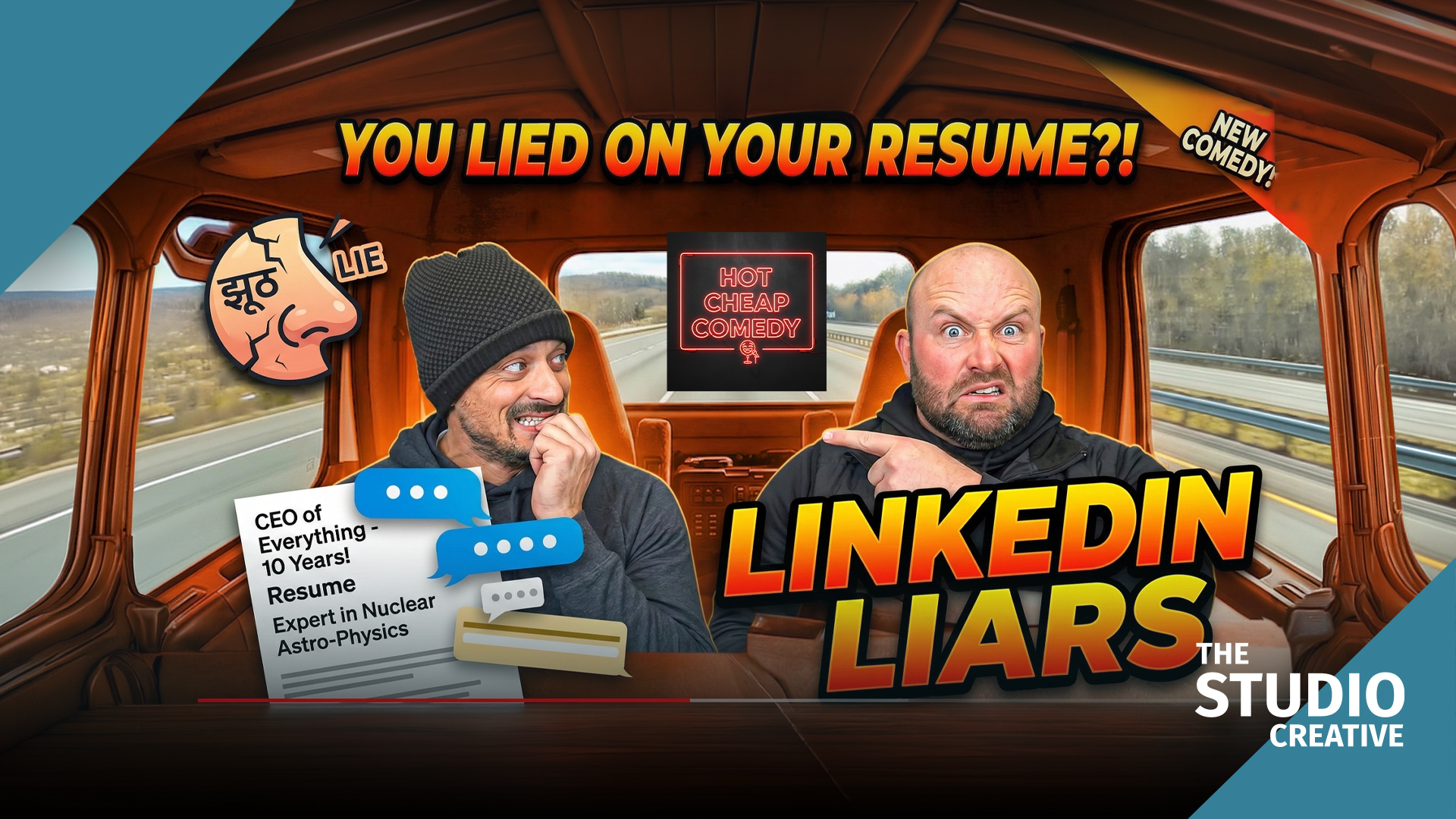
LinkedIn Liars is a sketch about the gap between how people describe their jobs online and what the jobs actually are. It is also, quietly, a sketch about the gap between location footage and virtual sets, because it uses both and the audience is not supposed to notice the seam. This post is about that seam: how to shoot on location in the morning, on green screen in the afternoon, and cut them together so the episode feels like one world.
At a glance
- Location first, green second. Shoot the practical footage, then build the green screen inserts to match it. The reverse never works.
- Match the plate. A grey ball, a chrome ball, the sun angle and the color temperature from every location setup went to the studio.
- Transcript first. Takes are cut from an AI transcript with speaker labels before the editor looks at pictures.
- A generated office beside a real kitchen. The Studio Projects office was re-lit to the location references, so the light never changes on a cut.
Watch LinkedIn Liars on its own page.
Why not just pick one
Some jokes need a real place. A parking lot, a real office kitchen, a car. Other beats need a place that does not exist or that we could not book: the corner office, the keynote stage, the "thought leadership" backdrop. LinkedIn Liars needed both in the same scene, sometimes in the same cut. Shooting the practical footage first, then building the green screen inserts to match, is the order that works. The reverse never does.
Filming: match the plate, not the plan
On location we shot the way we always do for brand work in Michigan: available light shaped with a bounce and a negative fill, a single camera, and a lot of attention to what the light was doing on faces. Then we did something most productions skip. Before we wrapped the location, we photographed a grey ball and a chrome ball in every setup, and we logged the sun angle and the color temperature. Those references went straight to the green screen stage.
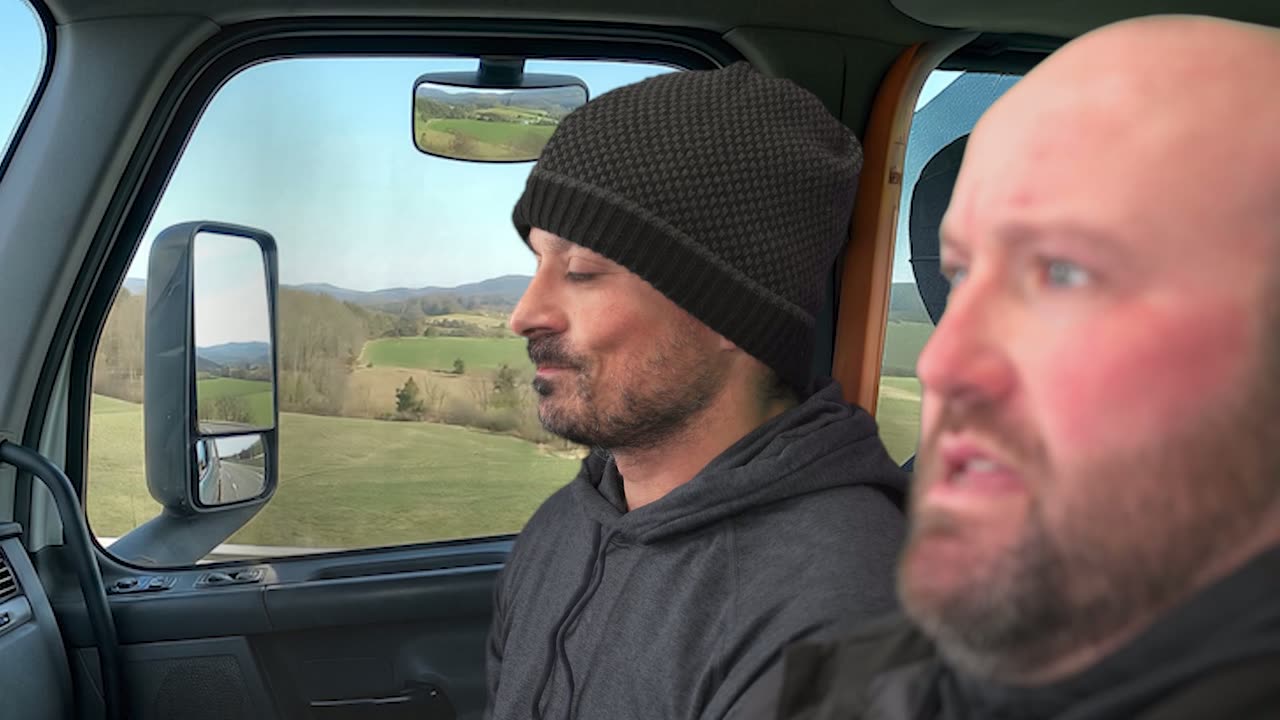
On the road, countryside passing outside.
In the studio, the inserts were lit to those references. Same key direction, same ratio, same color. The generated office was re-lit in the same direction. When the cut goes from the real kitchen to the virtual corner office, the light on the performer's face does not change, and that is what makes the audience accept it.
Editing: transcript first, footage second
LinkedIn Liars has a lot of dialogue and a lot of alternates, because the ensemble punches up on the day. We now cut dialogue-heavy sketches from the transcript. Every take is transcribed by an AI tool with speaker labels, and the editor reads the takes like a script, marking the best delivery of each line. The assembly is generated from those marks. Only then does the editor look at pictures. It sounds backwards. It is roughly twice as fast, and the first cut is funnier, because the choice was made on the words rather than on which take happened to be on screen when the editor got tired.
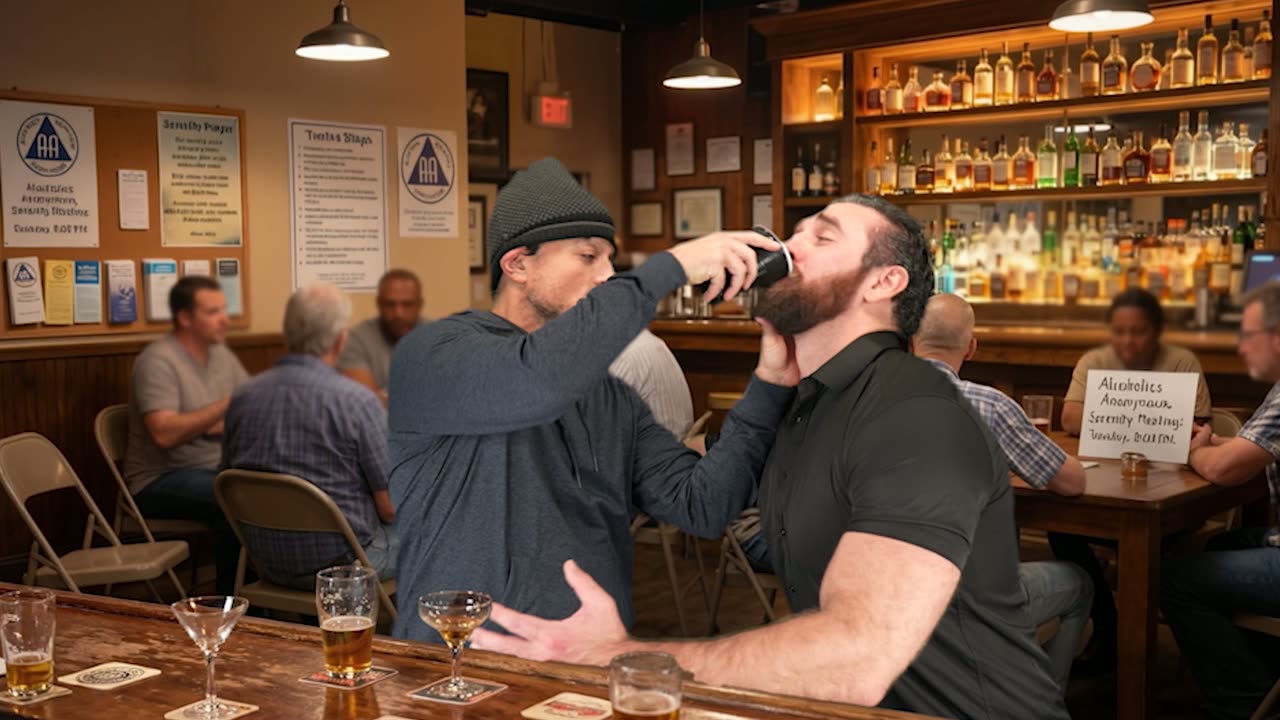
The bar scene.
Where AI helped this episode
- Transcription and assembly, as above. This is the single biggest time saver in our edit now.
- Color matching. An AI shot-match pass got the location footage and the studio inserts into the same neighborhood before the colorist touched them. The colorist still made the final match by eye against the grey ball reference.
- Audio. The location kitchen had a refrigerator hum that would have meant a reshoot five years ago. An AI noise removal pass took it out without touching the dialogue.
- Cleanup. A logo on a coffee cup we did not have clearance for was painted out with AI-assisted object removal. Small job, but it used to be an afternoon.
Studio Projects: matching a generated room to a real one
The corner office in LinkedIn Liars started as a background image generated by Studio Projects from the script upload. That is the normal path now: the software reads the scene, describes the setting, and produces a background we can key behind the performers, usually good to go and easy to enhance when it is not. What made this episode different is that the generated room had to match a real kitchen shot that morning. We took the grey ball and chrome ball references from the location and re-lit the generated office to them, so the key direction and colour on the performer never changed across the cut.
What this means for corporate and brand video
The office you wish you had, the stage you have not booked yet, the location that is three hours away: all of these are green screen problems with a location-matching solution. If your company video needs to look like it was shot in six places and you have a day, this is how we do it. Start with the real footage, match everything else to it, and never let the light change on a cut.
Want this pipeline for your brand?
Everything in this post, from the green screen stage and the generated backgrounds to the AI-assisted edit and Studio Projects itself, is the same pipeline we use for brand films and commercials out of Grand Blanc, Michigan. If you want more video without a bigger budget, tell us what you're making and you'll get a real producer's reply, not a rate sheet. Browse the rest of the series on our work page.