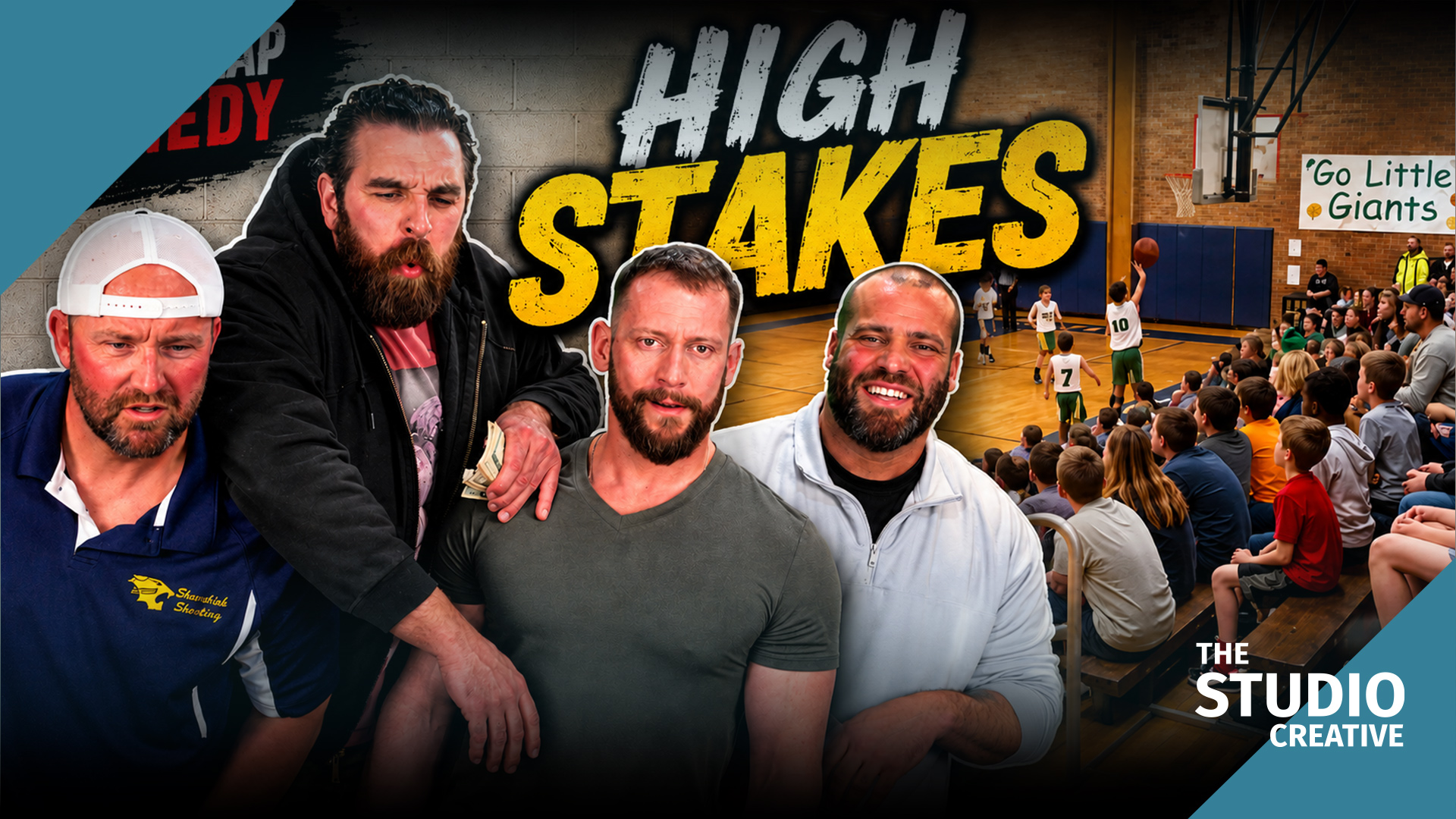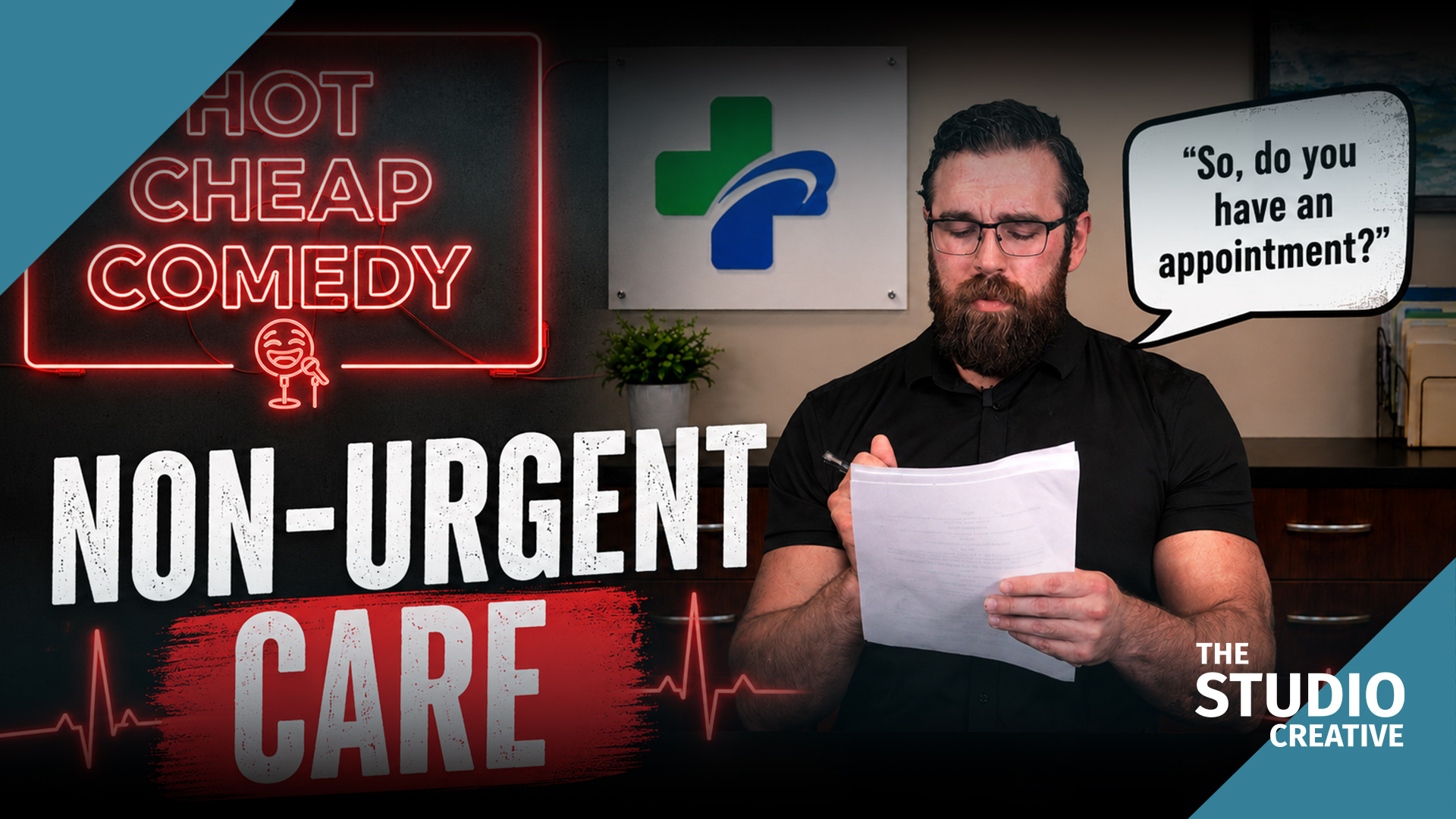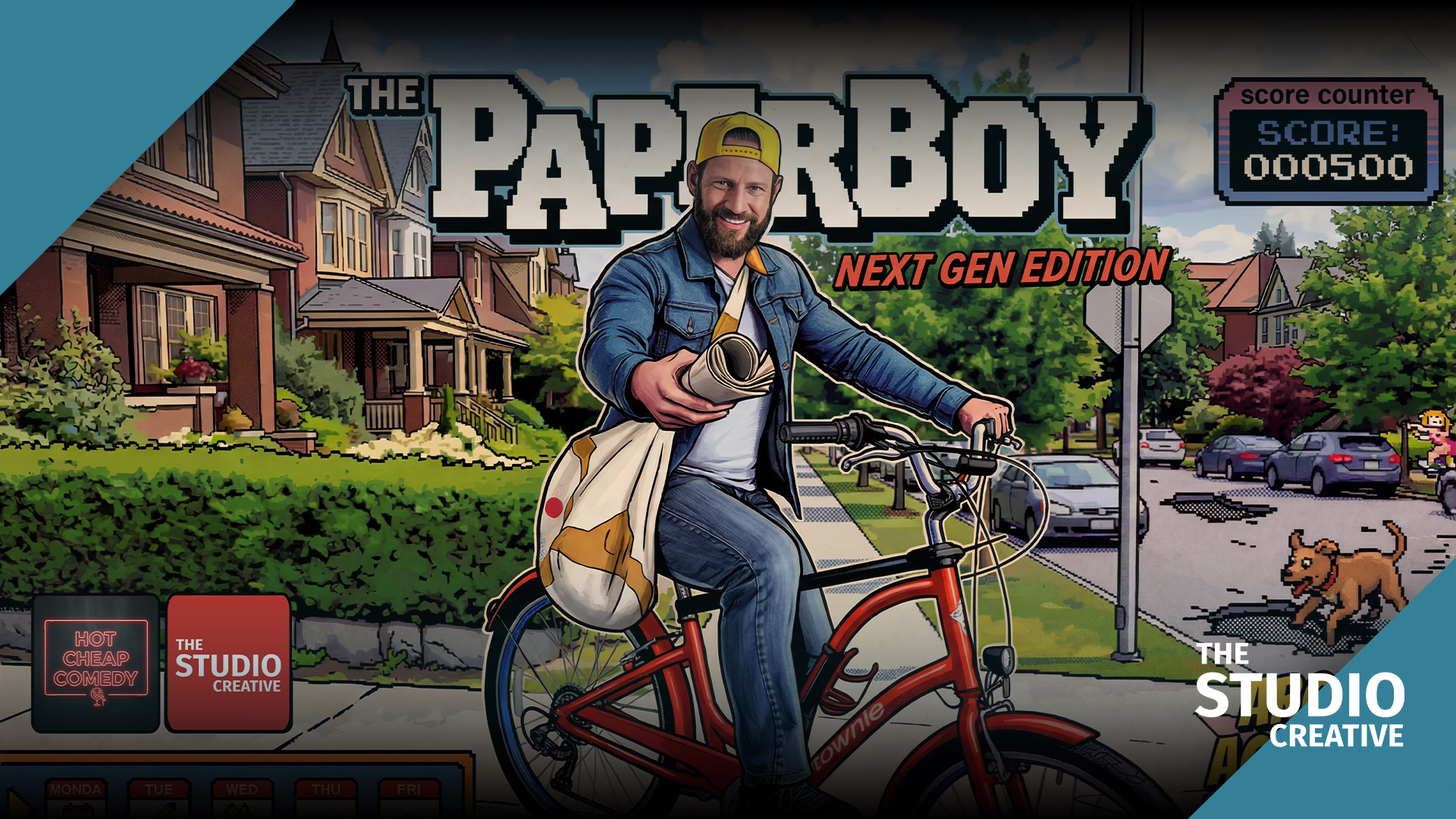

Most green screen tutorials show a person sitting still, framed from the chest up, in front of a perfectly lit wall. Power Pinch is the opposite of that. It is a full-body sketch with pro wrestlers moving fast, a lot of skin, a lot of hair, and props that swing through the frame. It is exactly the kind of shot that makes a bad key fall apart. This post is the lighting recipe, the keying workflow, and the on-set tool that keeps us from discovering a problem in the edit.
At a glance
- Light the screen, then the subject. Even soft light on the green, a soft key matched to the virtual environment, and a hard rim for hair.
- Eight feet off the screen. Every foot of separation means less green bounce on shoulders and hair.
- Feet make it harder. A green floor sweep lit on its own, and a contact shadow painted under each performer.
- Schedule by who is in what. The Studio Projects shot list per character set the lighting order, because relights cost more than takes.
The episode is on its own page too: watch Power Pinch.
The lighting recipe
A clean key starts with a boring green screen. We want the screen evenly lit, slightly under the subject, and as far from the performers as the room allows.
- Screen: two large soft sources, one from each side, aimed at the screen only, dialed until a waveform shows the green sitting in a tight band. Hot spots are where spill and noise come from.
- Distance: talent at least eight feet off the screen. Every foot of separation is less green bounce on shoulders and hair.
- Subject key: a large soft key from the front-side, with the lighting ratio set to match the virtual environment we already chose. The environment decides the light, not the other way around. That is the single biggest difference between a composite that sits and one that floats.
- Rim: a hard backlight, slightly warm, to cut hair and shoulders away from the green. On wrestlers with a lot of hair, this is not optional.
Why full-body is harder
Feet. The moment feet are in frame you are keying the floor too, and floors get scuffed, shadowed, and unevenly lit. For Power Pinch we shot on a green floor sweep, cleaned it between setups, and lit the floor separately from the wall so the two greens matched. The composite then gets a contact shadow painted under each performer in the grade. Without that shadow, even a perfect key looks like the cast is hovering.
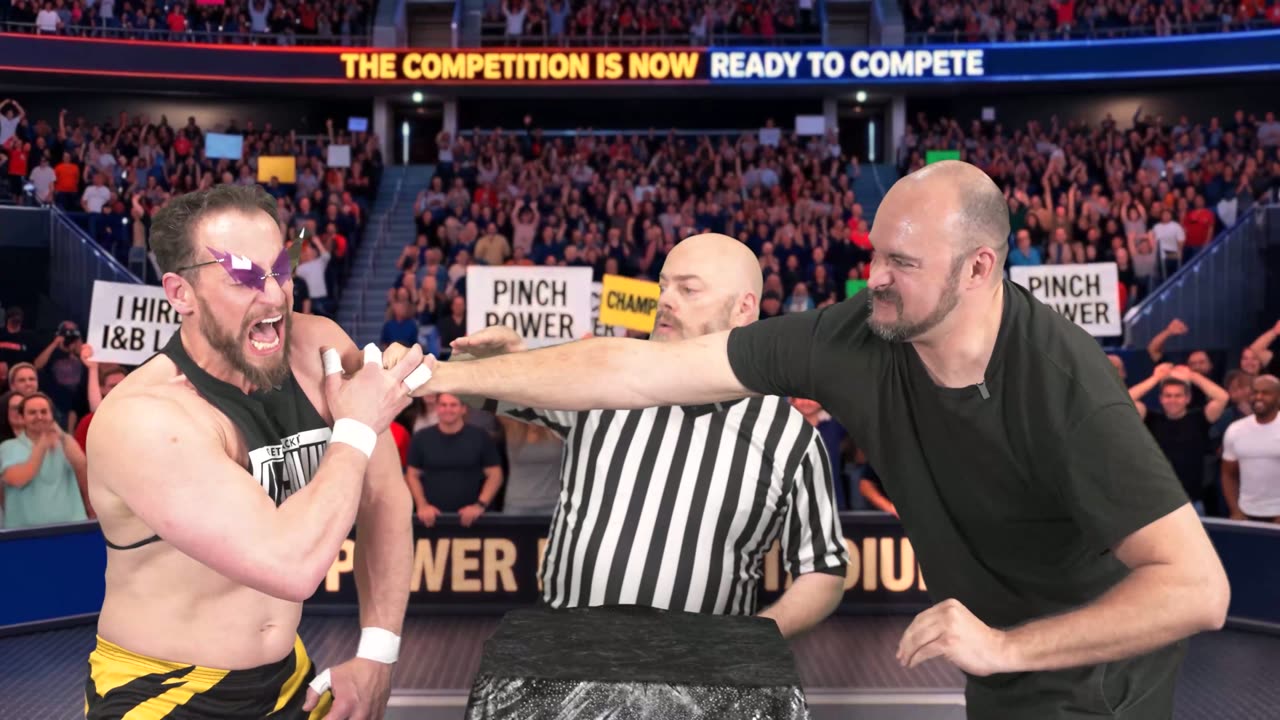
The pinch, with the referee watching.
Editing: the key itself
Our keying pass runs in the color suite rather than the edit, on the graded plate, in this order: a core matte pulled tight, a soft edge matte for hair and motion blur, then a saved chain of spill suppression and edge color correction that we built once and now drop on every green screen clip. That chain does most of the work on skin tones; the operator adjusts the edge, not the whole image.
Where AI fits in a modern key
AI matte tools have changed the first ten minutes of every keying job. We use AI-driven masking to isolate performers from problem areas, like a boom shadow on the floor or a stand leg that crept into frame, and to generate a rough garbage matte for each shot automatically. On a sketch with sixty setups, that is a real afternoon back. The final edge is still a traditional chroma key, because AI mattes struggle with exactly what comedy has the most of: fast motion blur and flyaway hair.
AI also handles the tedious parts of the edit around the key. Takes are transcribed so the editor can search for a line rather than scrub for it, and audio cleanup on the wrestlers' lav mics runs through an AI noise and reverb pass before the mix.
Studio Projects: knowing who is in every scene
Before a full-body key day, the schedule is the whole game, because relights cost more than takes. Studio Projects, the software we built for this series, takes the uploaded script and produces a per-character shot list, so we can see at a glance that one wrestler is in nine of eleven scenes and another is in two. That decides the lighting order: the setups for the performer who is in everything are built first and never touched again, and the performers with two scenes come in for one block.
The generated background image for the sketch was on the monitor while we lit, so the key and the rim were built against the environment they would end up in, not against a grey card.
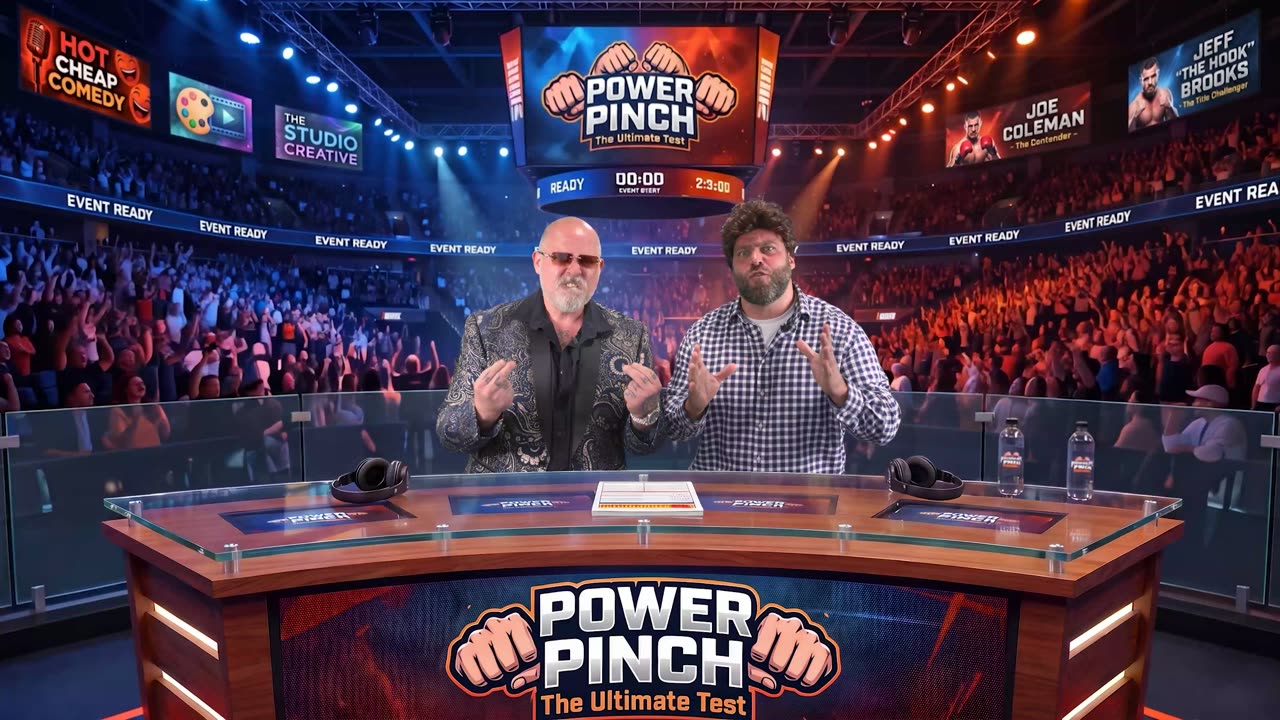
The Power Pinch desk, set in a full arena.
What this means for your project
If you are looking for green screen filming in Michigan for a spokesperson video, a product demo, or a series that needs a new location every episode, the lighting on Power Pinch is the same lighting we use for you. The difference between a composite that looks like a weather map and one that looks like a location is the light, the distance, the floor, and checking the key before you roll.
Want this pipeline for your brand?
Everything in this post, from the green screen stage and the generated backgrounds to the AI-assisted edit and Studio Projects itself, is the same pipeline we use for brand films and commercials out of Grand Blanc, Michigan. If you want more video without a bigger budget, tell us what you're making and you'll get a real producer's reply, not a rate sheet. Browse the rest of the series on our work page.