Customer Service Con sends up the convention circuit: the keynote nobody asked for, the booth with the spinning wheel, the hotel bar where the real business happens. Four locations, one day, one stage. This is the episode we point to when someone asks what green screen filming is actually for. It is not for saving money on a backdrop. It is for shooting a week's worth of locations before lunch.
At a glance
- Four locations, one day. A convention hall, a keynote stage, a hotel bar and a booth, all on one green screen stage.
- Scheduled by light, not by scene. Three lighting setups covered four environments, with the relights over the meal break.
- The props carry the location. Lanyards, a real lectern, a real bar top and a real spinning prize wheel do the work walls used to do.
- Batch keying. Clips from the same setup share one matte and spill chain, and roughly four in five need no adjustment.
Watch Customer Service Con on its own page.
Scheduling by light, not by scene
On a location shoot you schedule by location. On a virtual stage you schedule by lighting setup, because moving lights is the only thing that costs time. We grouped the four environments by the light in their generated backgrounds: the convention hall and the booth share a flat, cool, overhead look, so they were shot back to back with no relight. The keynote stage is a single hard key from the front with a dark surround, and the hotel bar is warm, low, and side-lit. Three lighting setups, four locations, one day, with the relights scheduled over the meal break.
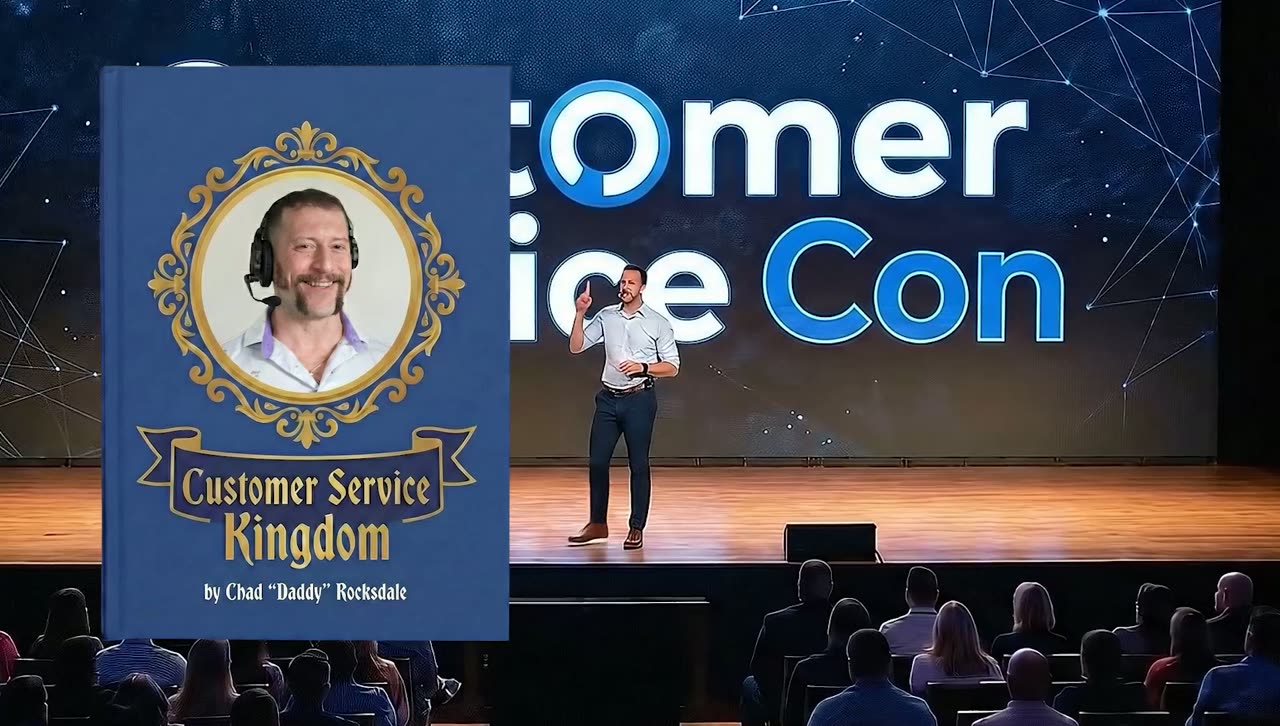
The keynote on stage.
Filming: the props carry the location
- Convention hall: wide, slightly high angle, performers walking on a green floor sweep so the virtual carpet can pass under them.
- Keynote: a real lectern, a real clicker, a hard key, and a light haze in the air so the virtual stage lights have something to catch.
- Hotel bar: a real bar top and two stools. Elbows on a real surface sell a composite faster than anything we can do in post.
- Booth: a real folding table and a real spinning wheel, because a spinning prize wheel is not something you want to animate on a comedy schedule.
Editing: batch keying
Sixty-plus clips across four environments would be a long week if each key were built by hand. We key by setup instead. Every clip from the same lighting setup gets the same spill-suppression pass chain and the same core matte settings, applied in one batch, then the operator reviews each clip and adjusts only the edges that need it. Roughly four clips in five need no adjustment at all. The environments are placed with a saved camera match per setup, so the virtual floor lines up with the green sweep on every shot in that group.
AI in a batch workflow
Batch work is where AI tools are strongest, because the job is repetitive and the taste decisions were already made at the setup level. On this episode:
- Garbage mattes for all sixty clips were generated automatically with an AI masking tool, which removed stands, cables, and the edge of the sweep before the chroma key ran.
- Shot matching across each lighting group was done with an AI color match, so the colorist graded one hero clip per setup and propagated the look.
- Audio from the hotel bar setup, which was shot with a practical bar and therefore a lot of glass clink, was cleaned with an AI dialogue isolation pass.
- Crowd fill. The convention hall needed background attendees. Those were shot as separate plates of our own crew walking through, then multiplied and offset. Not generated. Generated crowds still walk like they are underwater.
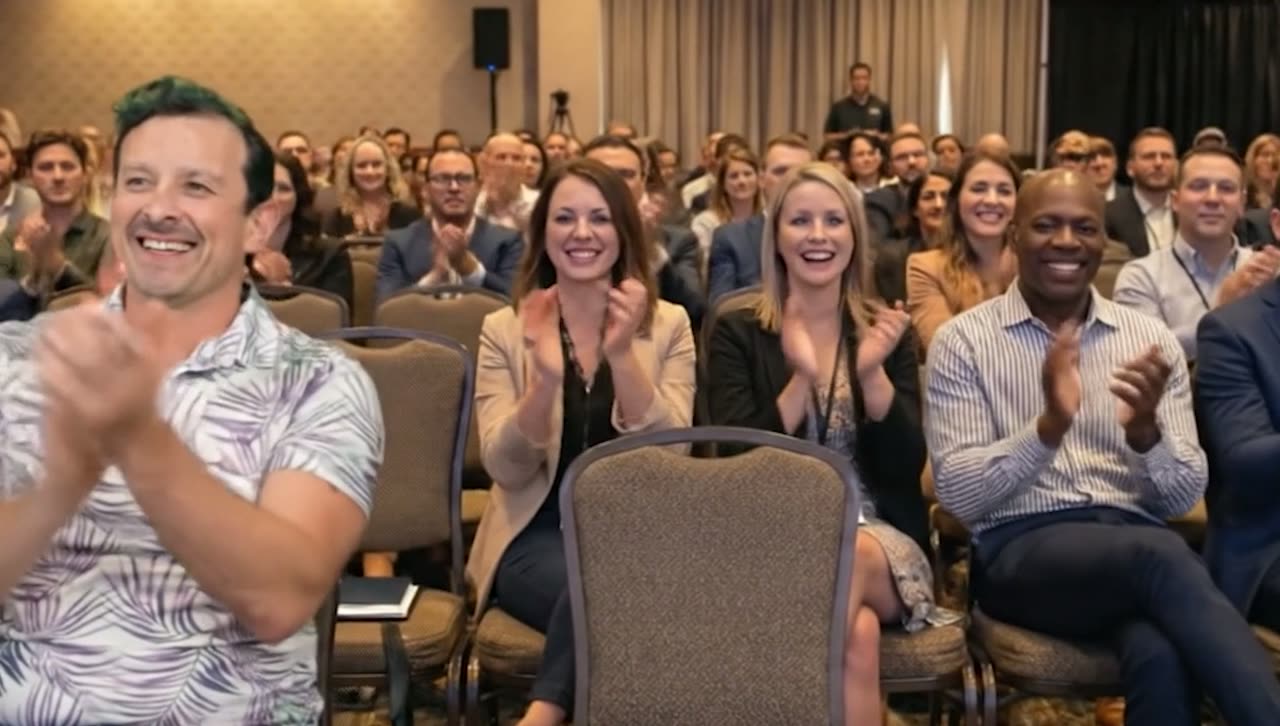
The audience.
Studio Projects: four backgrounds before lunch
Four worlds in one day only works if the four worlds exist before the day. The script for Customer Service Con went into Studio Projects, our own software, and came back as a scene-by-scene breakdown with a visual example for each scene, a per-character shot list, and a generated background image for every environment: the convention hall, the keynote stage, the hotel bar, and the booth. Those backgrounds are what we scheduled around, lit to, and keyed behind the performers, with a light enhancement pass on two of them. The per-character shot list is also how we knew which performer was in all four worlds and which was in one, which set the call times. The editor cut against the same breakdown, so the sketch was assembled by scene, with the right background already assigned to each clip.
What this means for trade shows and event marketing
If you exhibit at conferences, this pipeline is how you get a year of booth videos, speaker intros, and "see you at the show" spots from one day in the studio, without waiting for the show. It is the same thing we do for event clients in Michigan, just before the event instead of after it.
Want this pipeline for your brand?
Everything in this post, from the green screen stage and the generated backgrounds to the AI-assisted edit and Studio Projects itself, is the same pipeline we use for brand films and commercials out of Grand Blanc, Michigan. If you want more video without a bigger budget, tell us what you're making and you'll get a real producer's reply, not a rate sheet. Browse the rest of the series on our work page.